Fast Connected Components in Python
Label the connected components of a triangle mesh, split it into separate parts, and find its holes and open edges as boundary loops, in Python. One pip install, NumPy arrays in and out.
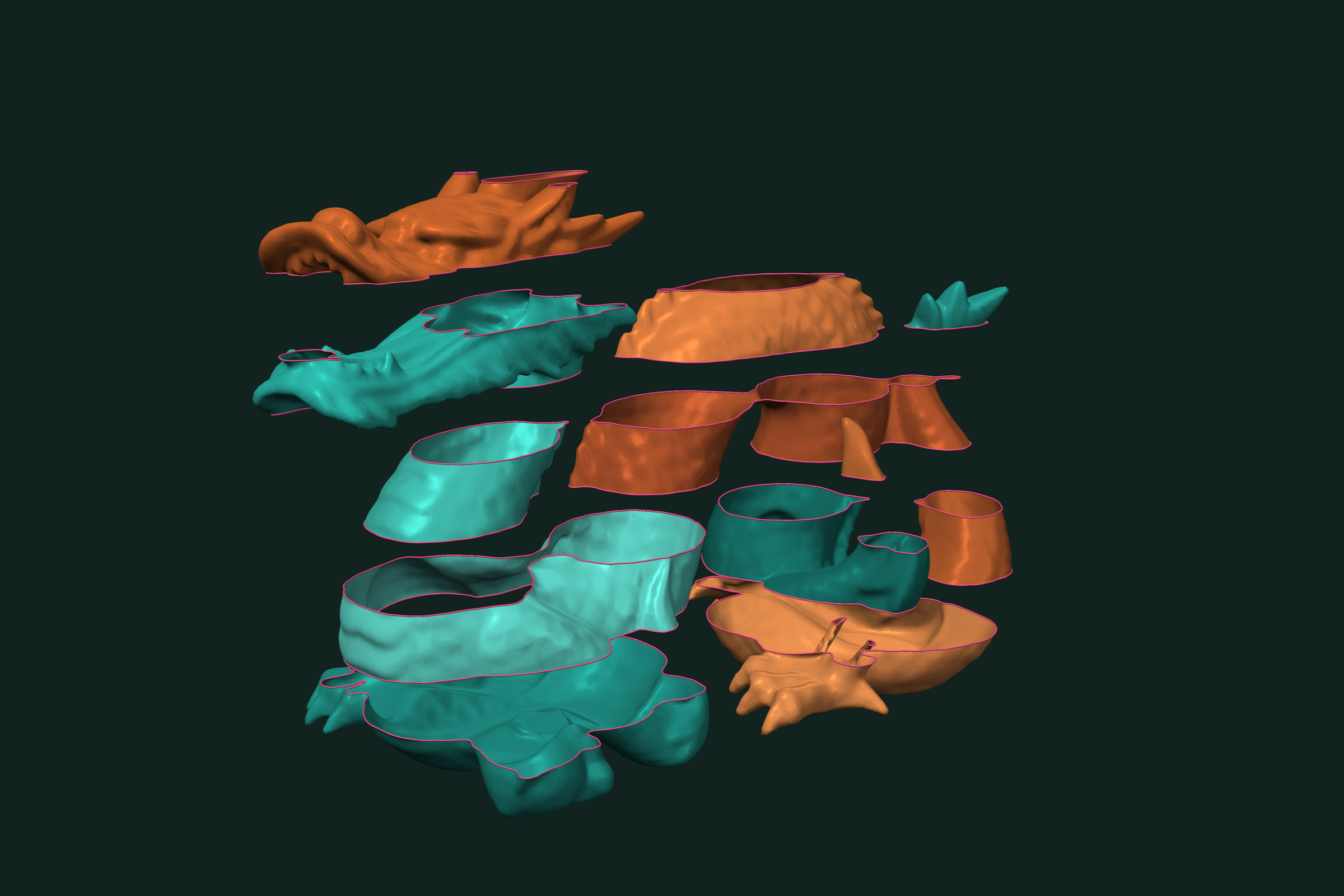
A scanned or exported mesh often holds more than one piece, and some of those pieces have holes. Two questions come first: which faces belong together, and where are the open edges. trueform answers both with one pip install. NumPy arrays in, NumPy arrays out. This page covers labeling connected components, splitting a mesh into parts, keeping the largest part, and extracting boundary loops for holes and open edges.
Install
pip install trueform
See the installation guide for all options.
Loading the mesh
import numpy as np
import trueform as tf

mesh = tf.Mesh(*tf.read_stl("parts.stl"))
tf.read_stl returns (faces, points) as NumPy arrays, with duplicate vertices merged so that faces share edges. tf.read_obj works the same way. If you already have arrays, pass them to tf.Mesh(faces, points).
To build a two-part test file without a scan, join a sphere and a moved box:
sphere = tf.Mesh(*tf.make_sphere_mesh(1.0))
box = tf.Mesh(*tf.make_box_mesh(1.0, 1.0, 1.0))

T = np.eye(4, dtype=np.float32)
T[:3, 3] = [3.0, 0.0, 0.0]
box.transformation = T

tf.write_stl(tf.concatenated([sphere, box]), "parts.stl")
mesh = tf.Mesh(*tf.read_stl("parts.stl"))
Labeling connected components
Two faces belong to the same component when a chain of shared edges connects them. mesh.face_link lists, for each face, the faces across its edges. tf.label_connected_components turns that graph into labels:
n_components, labels = tf.label_connected_components(mesh.face_link)
# n_components == 2
# labels.shape == (772,)  int32, one label per face, 0 .. n_components - 1
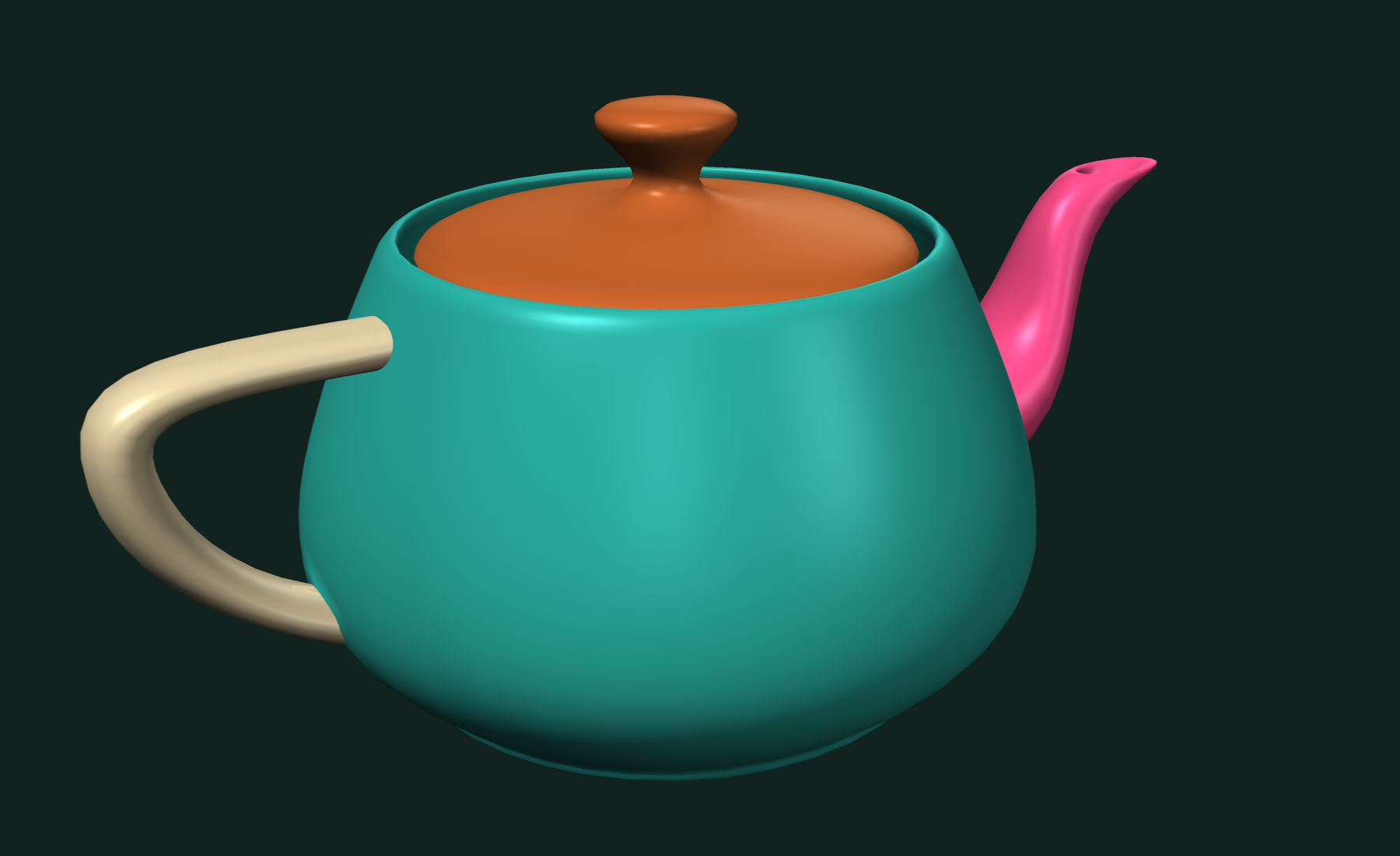
mesh.face_link is built on first access and cached on the mesh. Face counts per component are one np.bincount:
sizes = np.bincount(labels) # array([760, 12])
For components that only touch at a vertex to count as one, label the vertex graph instead. The labels are then per vertex:
n_components, vertex_labels = tf.label_connected_components(mesh.vertex_link)
tf.label_connected_components takes any graph, not only meshes: an (N, K) int array of neighbor indices with -1 for no neighbor, or a tf.OffsetBlockedArray for variable neighbor counts. On a graph with many components, more than 500, pass expected_number_of_components so it uses the sequential algorithm.
Splitting into parts
tf.split_into_components groups faces by label and returns one standalone mesh per label, with unused points dropped and indices renumbered:
components, component_labels = tf.split_into_components(mesh, labels)

for (faces, points), label in zip(components, component_labels):
    print(label, faces.shape, points.shape)
# 0 (760, 3) (382, 3)
# 1 (12, 3) (8, 3)
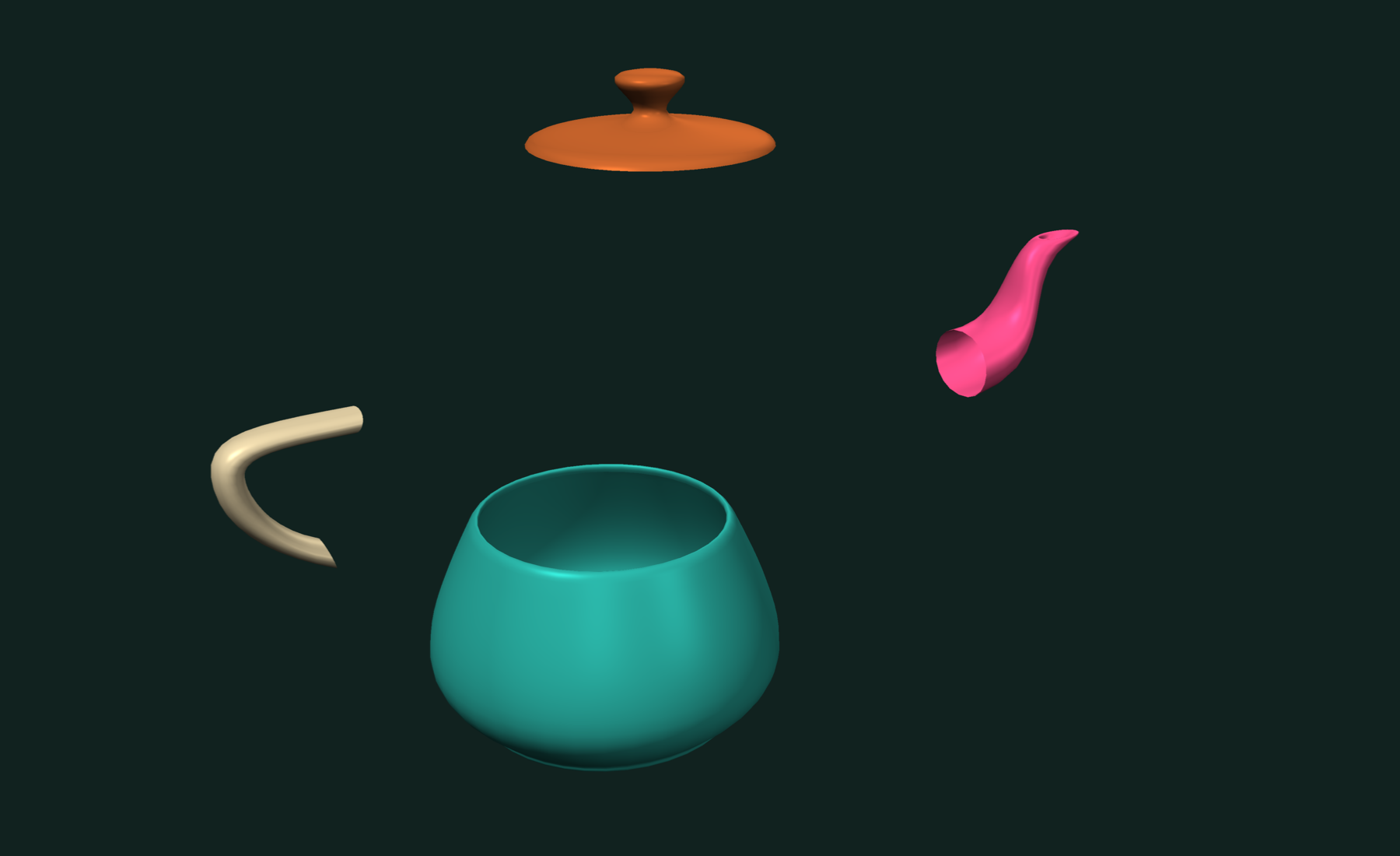
Keep only the largest part, a common clean-up for scans with floating debris:
largest = np.argmax(np.bincount(labels))
index = int(np.flatnonzero(component_labels == largest)[0])

faces, points = components[index]
tf.write_stl((faces, points), "largest.stl")
The labels do not have to come from connectivity. Any per-face int32 array works, for example the labels a mesh boolean returns.
Finding holes and open edges
A boundary edge belongs to only one face. On a closed mesh there are none. Start with a quick check:
faces, points = tf.make_plane_mesh(4.0, 4.0, 8, 8)

centers = points[faces].mean(axis=1)
keep = np.linalg.norm(centers[:, :2], axis=1) > 0.8   # cut a hole in the middle
sheet = tf.Mesh(faces[keep], points)

tf.is_closed(sheet)   # False
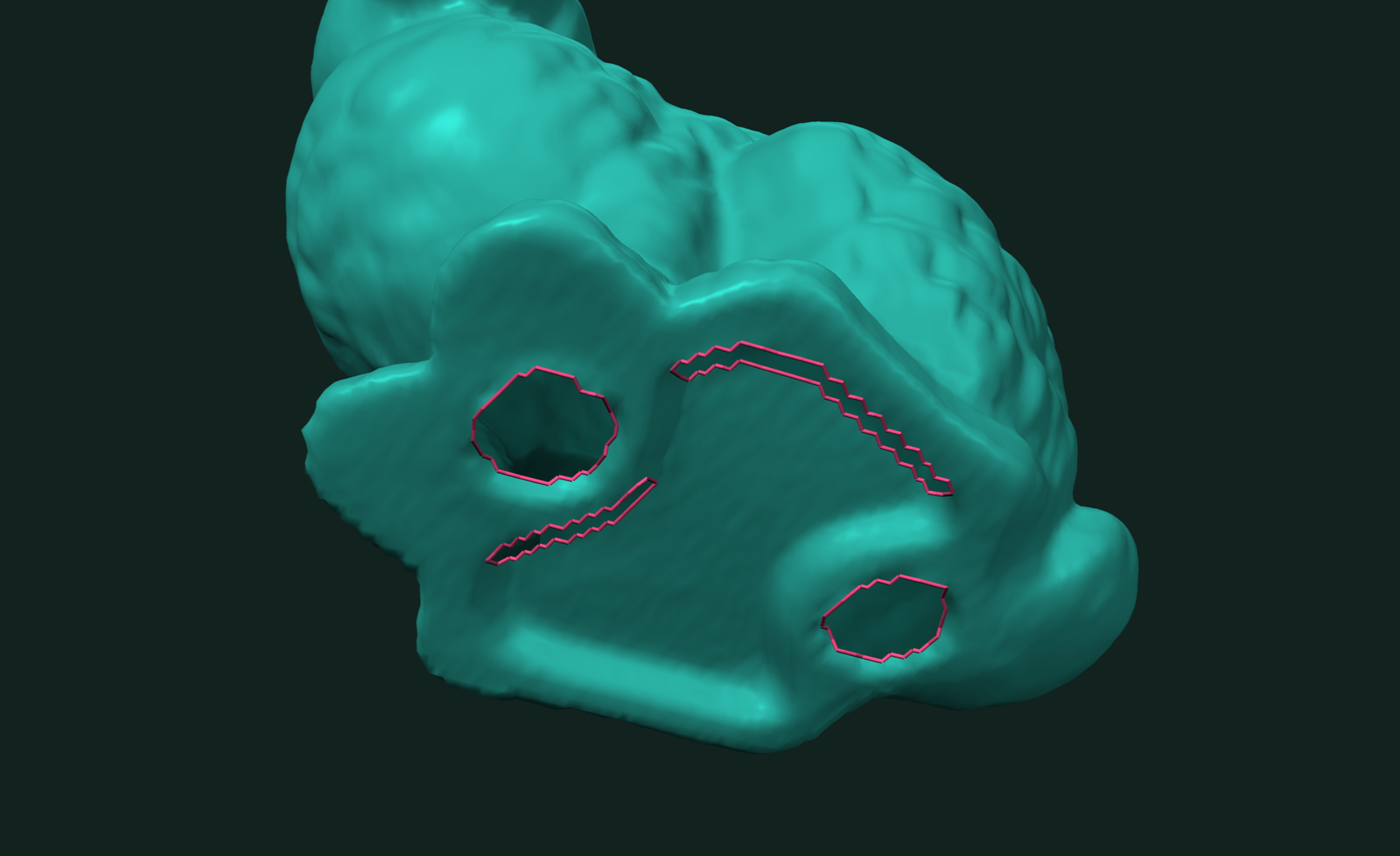
tf.boundary_edges returns the open edges as an (N, 2) array of vertex pairs:
edges = tf.boundary_edges(sheet) # shape (48, 2)
Boundary loops
tf.boundary_paths chains the open edges into loops. Each loop is a list of mesh vertex indices. A closed loop repeats its first vertex at the end:
paths = tf.boundary_paths(sheet)
len(paths)                    # 2: the outer rim and the hole

for path in paths:
    loop = points[path]       # loop coordinates, first point repeated last
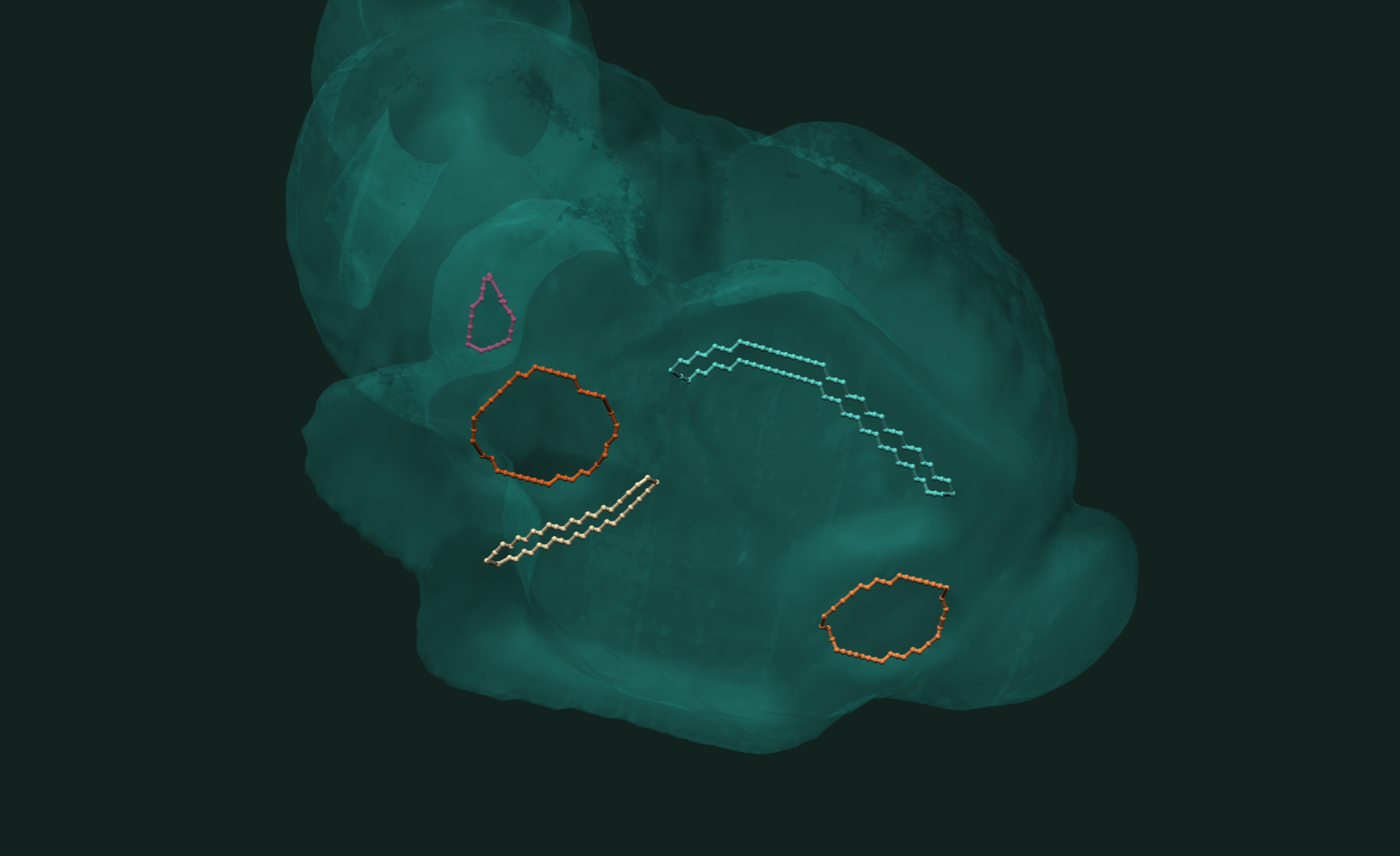
tf.boundary_curves returns the same loops as standalone geometry: a points array with only the boundary vertices, and loops that index into it:
paths, curve_points = tf.boundary_curves(sheet)

for ids in paths:
    loop = curve_points[ids]
    perimeter = np.linalg.norm(np.diff(loop, axis=0), axis=1).sum()
    print(len(ids) - 1, "edges, perimeter", perimeter)
# 32 edges, perimeter 16.0
# 16 edges, perimeter 9.656855
On a single sheet, the longest loop is usually the outer rim and the rest are holes. On a closed part, every loop is a hole.
For more detail per loop, tf.boundary_rims returns each rim's vertex walk, the face along each rim edge, and whether the rim closes:
vertices, rim_faces, closed = tf.boundary_rims(sheet)
Working with results
Labels, paths and points are NumPy arrays or tf.OffsetBlockedArray blocks that index like lists. Write a part with tf.write_stl or tf.write_obj. Common next steps:
- Fill the holes the loops describe: fill holes in a mesh.
- Check a cleaned part for crossing faces: detect self-intersections.
- Even out triangle sizes before simulation: isotropic remeshing.
Related tutorials
- Fast Mesh Booleans in Python — exact union, intersection and difference of two meshes.
- Fast STL and OBJ Reading in Python — load and write meshes, the first step of every pipeline.
- Fast and Robust Closest Point on a Mesh in Python — nearest surface point for a batch of queries.
- Fast and Robust Mesh Slicing and Cross-Sections in Python — plane sections, layers and slabs of a mesh.
Performance
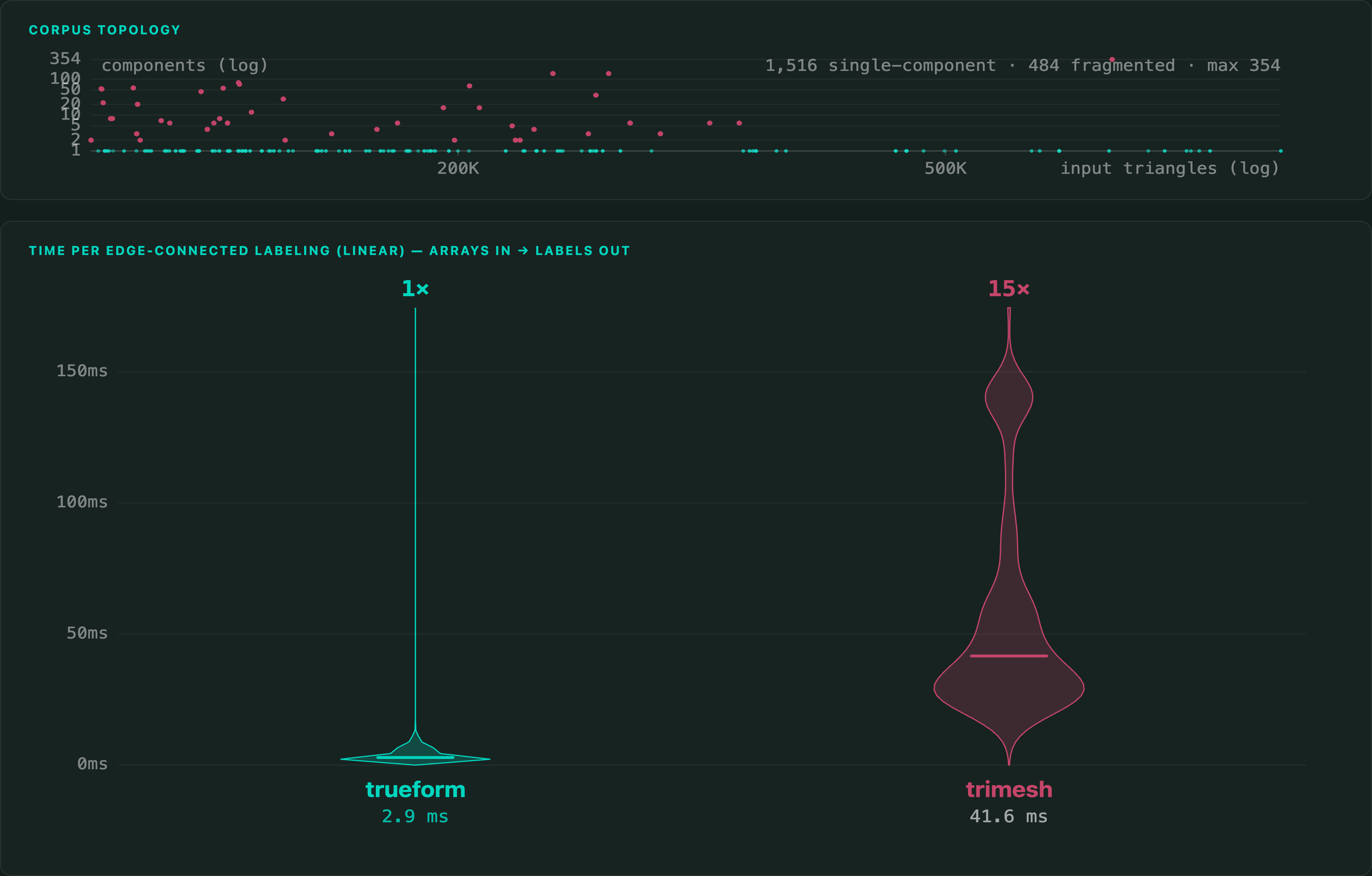
The benchmark labels edge-connected faces on 2,000 production meshes of 100,368 to 938,940 triangles, against trimesh. Building the connectivity is inside the timer for both.
Apple M4 Max 16 threads
There is no published benchmark for boundary loops, so that part of the page makes no speed claim.
Full benchmarks · Documentation
@article{polydera:fast-connected-components-in-python,
  title={Fast Connected Components in Python},
  author={Sajovic, {\v{Z}}iga, Polydera},
  year={2026},
  url={https://polydera.com/tutorials/fast-connected-components-in-python},
  organization={Polydera}
}