Fast Connected Components in C++
Label the connected components of a triangle mesh, split it into separate parts, and find its holes and open edges as boundary loops, in C++. Header-only, C++17. Measured against CGAL and libigl on 2,000 meshes.
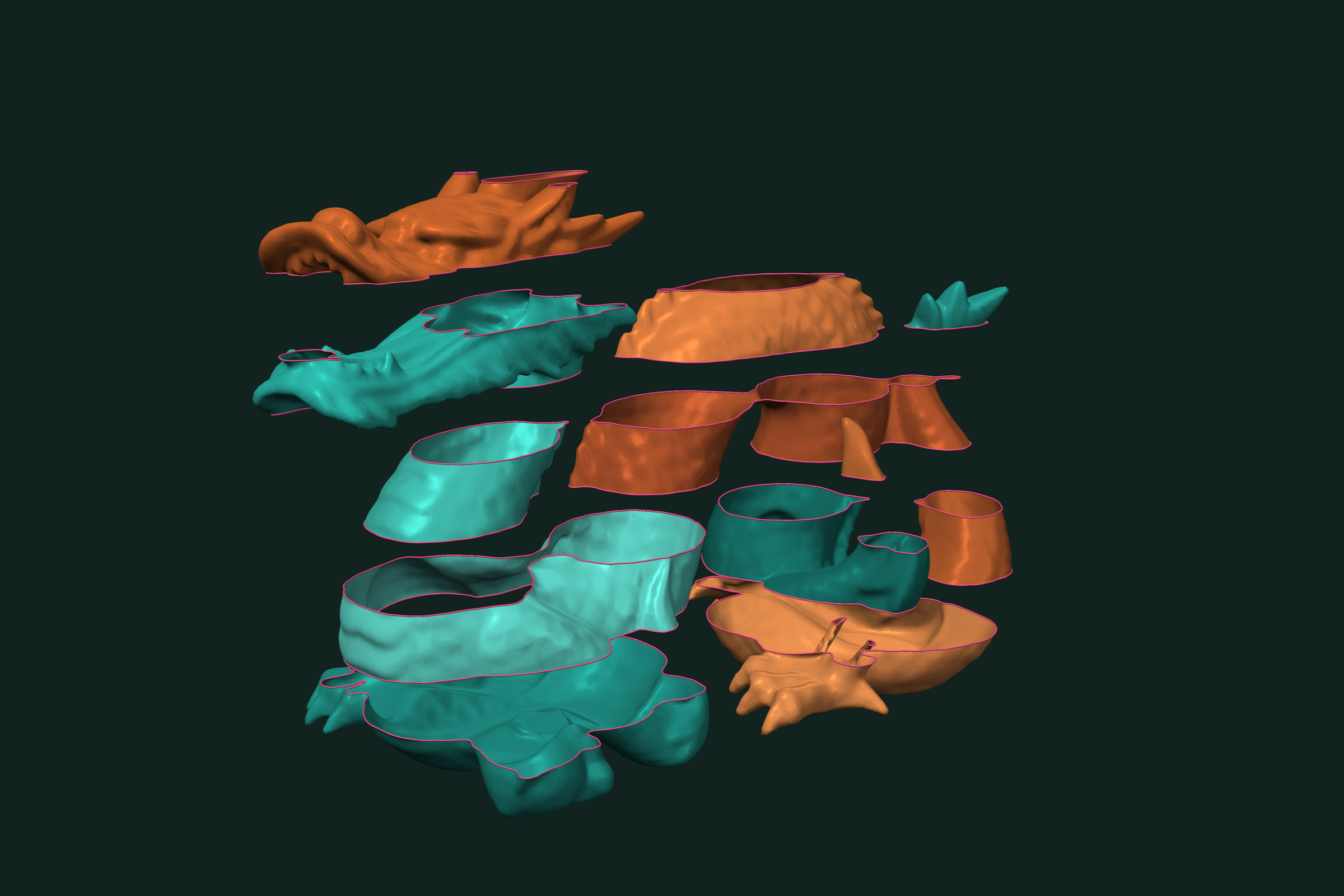
A mesh file often holds more than one part. Scans carry floating debris. Exports merge bodies into one file. Open surfaces have holes. trueform labels the connected components of a mesh, splits it into standalone parts, and finds its boundary loops. It is header-only C++17. This page covers labeling, splitting, keeping the largest part, open edges, and boundary loops.
Install
Header-only. It needs C++17 and oneTBB. Add it to your project via CMake FetchContent:
FetchContent_Declare(
  trueform
  GIT_REPOSITORY https://github.com/polydera/trueform
)
FetchContent_MakeAvailable(trueform)
target_link_libraries(my_app PRIVATE tf::trueform)
Also available via conan, nuget, and pip. See the installation guide for all options.
Loading the mesh
#include <trueform/trueform.hpp>

auto mesh_buffer = tf::read_stl("parts.stl");
auto mesh = mesh_buffer.polygons();
tf::read_stl merges corners at the same position, so faces share edges and the topology is there to read. tf::read_obj works the same way. If your data is already in memory, wrap it with tf::make_polygons. See fast STL and OBJ reading.
To build a two-part test file, join a sphere and a moved box. tf::concatenated applies the tagged transformation:
auto sphere = tf::make_sphere_mesh(1.0f, 20, 20);
auto box = tf::make_box_mesh(1.f, 1.f, 1.f);
auto T = tf::make_transformation_from_translation(
    tf::make_vector(3.f, 0.f, 0.f));

auto parts = tf::concatenated(sphere.polygons(), box.polygons() | tf::tag(T));
tf::write_stl(parts.polygons(), "parts.stl");
Labeling connected components
Two faces belong to the same component when a chain of shared edges connects them. One call builds the connectivity and labels the faces:
auto cl = tf::make_edge_connected_component_labels(mesh);
// cl.n_components == 2
// cl.labels: tf::buffer<int>, one label per face
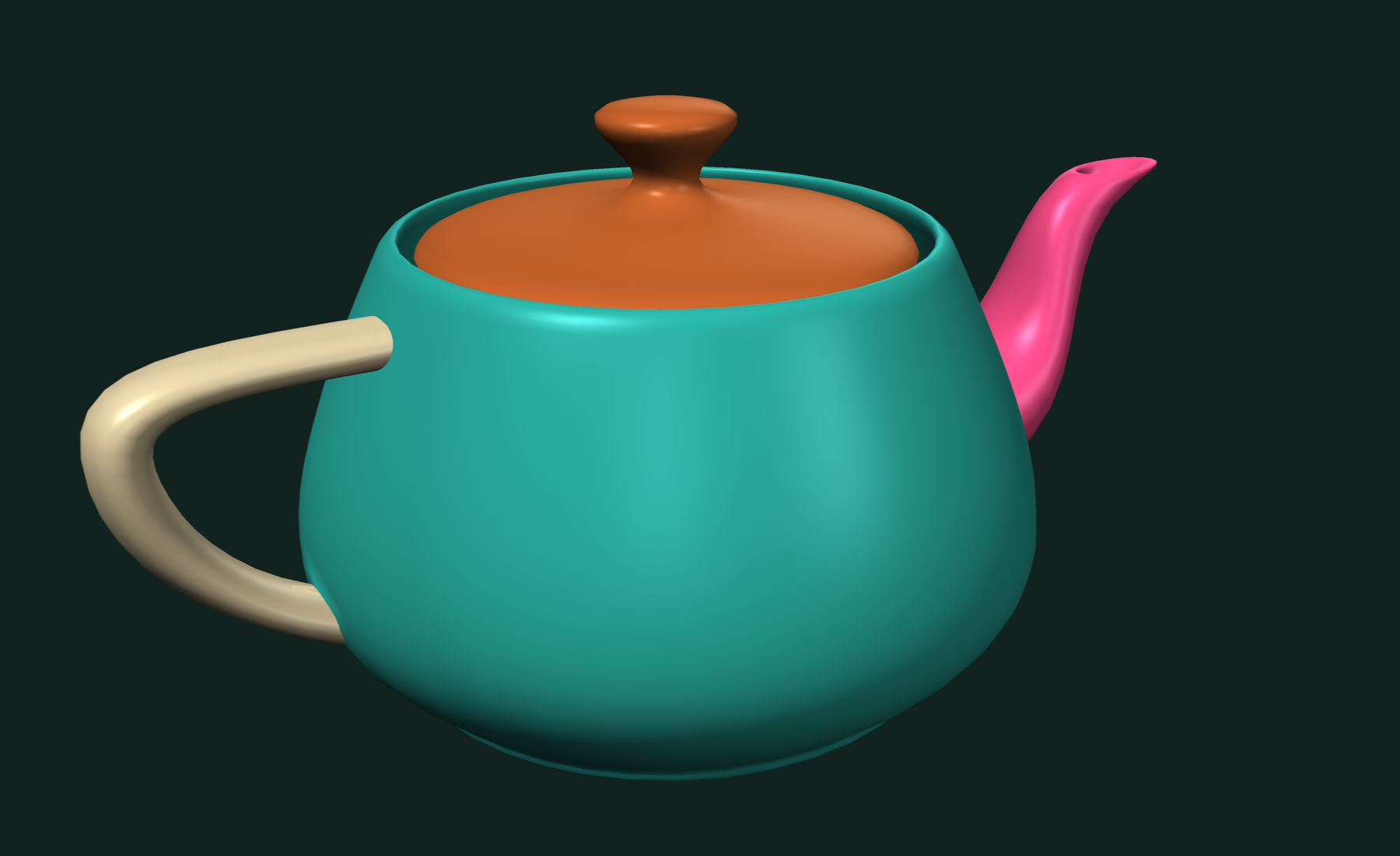
Face counts per component are one pass over the labels:
std::vector<int> sizes(cl.n_components, 0);
for (auto label : cl.labels) ++sizes[label];
// sizes == {760, 12}
Two other rules are one call each. The manifold variant separates parts at non-manifold edges. The vertex variant joins parts that only touch at a vertex, and its labels are per vertex:
auto mcl = tf::make_manifold_edge_connected_component_labels(mesh);
auto vcl = tf::make_vertex_connected_component_labels(mesh);  // per vertex
If a face_link or other topology is already tagged on the mesh, these calls reuse it.
Custom connectivity
For control over the rule, build the structures yourself and pass an applier to tf::label_connected_components:
tf::face_membership<int> fm;
tf::manifold_edge_link<int, 3> mel;
fm.build(mesh);
mel.build(mesh.faces(), fm);

tf::buffer<int> labels;
labels.allocate(mesh.size());
auto n = tf::label_connected_components(labels, tf::make_applier(mel));
An applier is any callable (id, callback) that calls callback(neighbor) for each neighbor of id. Write your own to join only faces with similar normals, or faces with the same material. The labeling runs in parallel by default. On a graph with more than 500 components, pass the expected count as a third argument and it uses the sequential algorithm. There is also tf::label_connected_components_masked to leave chosen faces out.
Splitting into parts
tf::split_into_components returns one standalone mesh per label, with unused points dropped and indices renumbered:
auto [components, component_labels] =
    tf::split_into_components(mesh, cl.labels);

for (auto [component, label] : tf::zip(components, component_labels)) {
  auto part = component.polygons();
  std::cout << label << ": " << part.size() << " faces, "
            << part.points().size() << " points\n";
}
// 0: 760 faces, 382 points
// 1: 12 faces, 8 points
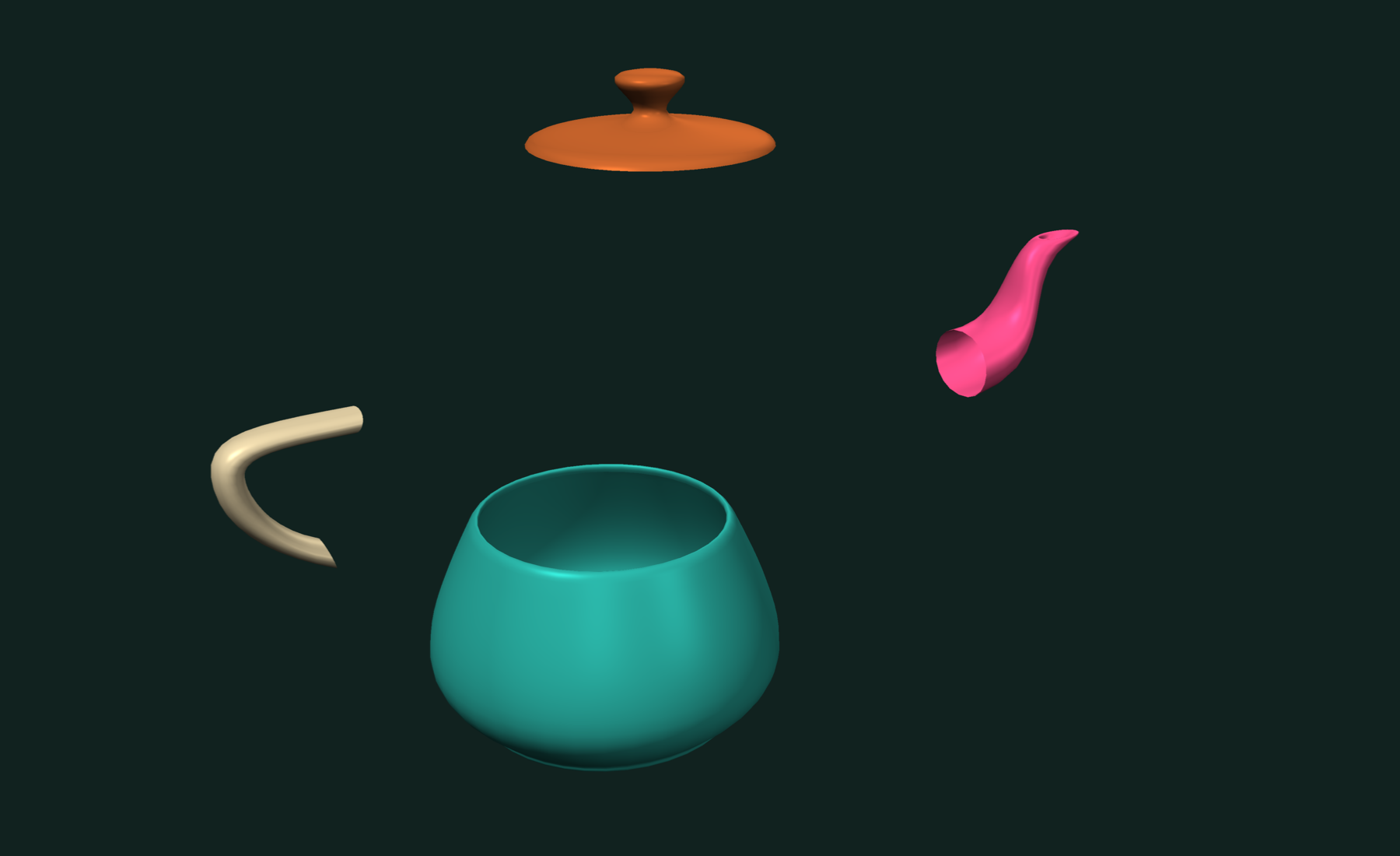
Keep only the largest part, a common clean-up for scans with floating debris:
auto largest = std::max_element(sizes.begin(), sizes.end()) - sizes.begin();
for (auto [component, label] : tf::zip(components, component_labels))
  if (label == largest)
    tf::write_stl(component.polygons(), "largest.stl");
The labels do not have to come from connectivity. Any per-face label buffer works, for example the labels a mesh boolean returns.
Finding holes and open edges
A boundary edge belongs to only one face. On a closed mesh there are none. Cut a hole in a plane to see them:
auto plane = tf::make_plane_mesh(4.f, 4.f, 8, 8);
tf::buffer<bool> keep;
keep.allocate(plane.polygons().size());
tf::parallel_transform(plane.polygons(), keep, [](auto tri) {
  auto c = tf::centroid(tri);
  return c[0] * c[0] + c[1] * c[1] > 0.8f * 0.8f;  // cut a hole in the middle
});
auto sheet_buffer = tf::reindexed_by_mask(plane.polygons(), keep);
auto sheet = sheet_buffer.polygons();

bool closed = tf::is_closed(sheet);  // false
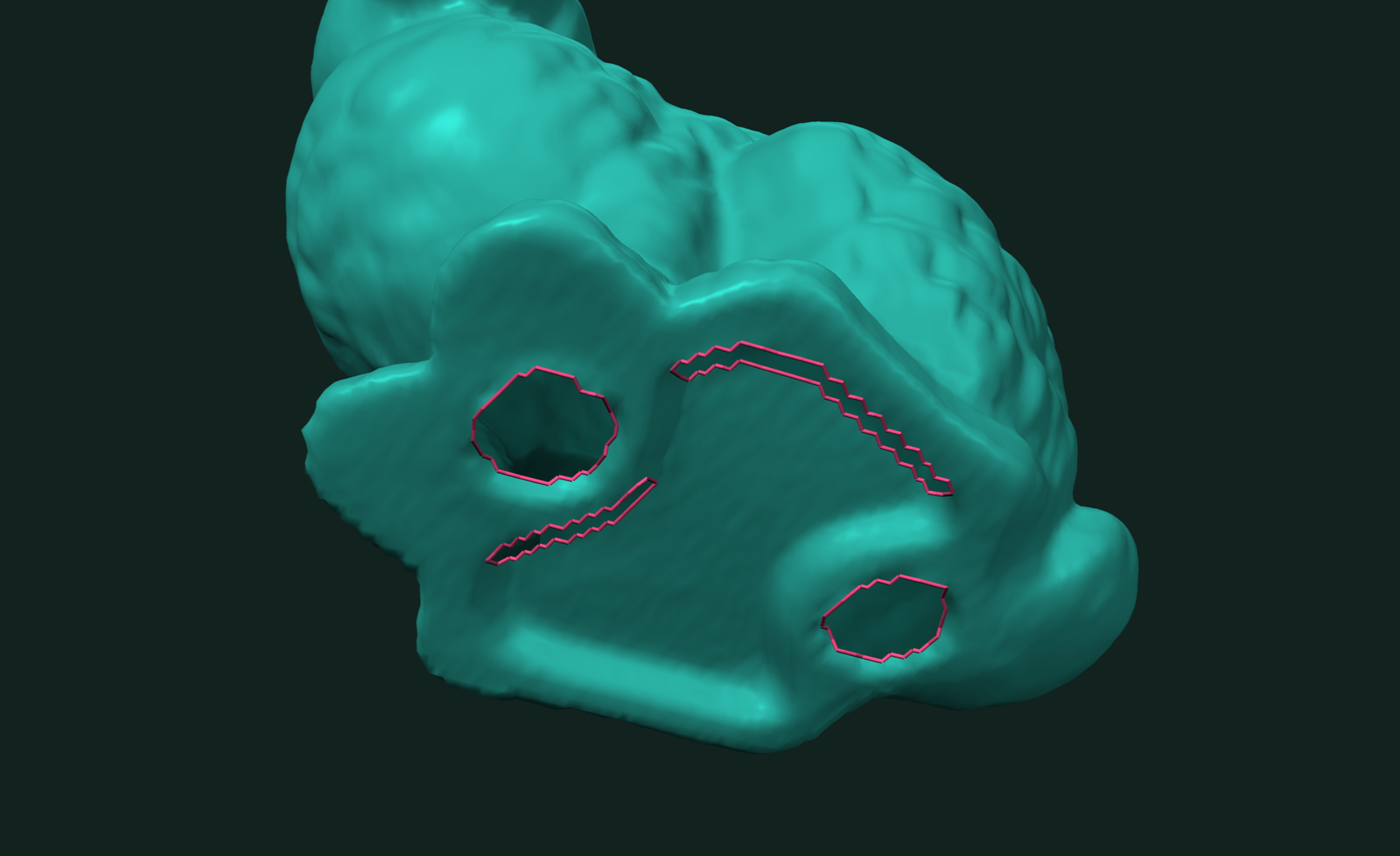
tf::make_boundary_edges returns the open edges as vertex pairs:
auto boundary_edges = tf::make_boundary_edges(sheet); // 48 edges
Boundary loops
tf::make_boundary_paths chains the open edges into loops of vertex ids. tf::make_curves pairs them with the points:
auto paths = tf::make_boundary_paths(sheet);
auto curves = tf::make_curves(paths, sheet.points());
// paths.size() == 2: the outer rim and the hole

for (const auto &curve : curves) {
  float perimeter = 0;
  for (auto seg : tf::make_slide_range<2>(curve))
    perimeter += tf::distance(seg[0], seg[1]);
  std::cout << curve.indices().size() - 1 << " edges, perimeter " << perimeter << "\n";
}
// 32 edges, perimeter 16
// 16 edges, perimeter 9.65685
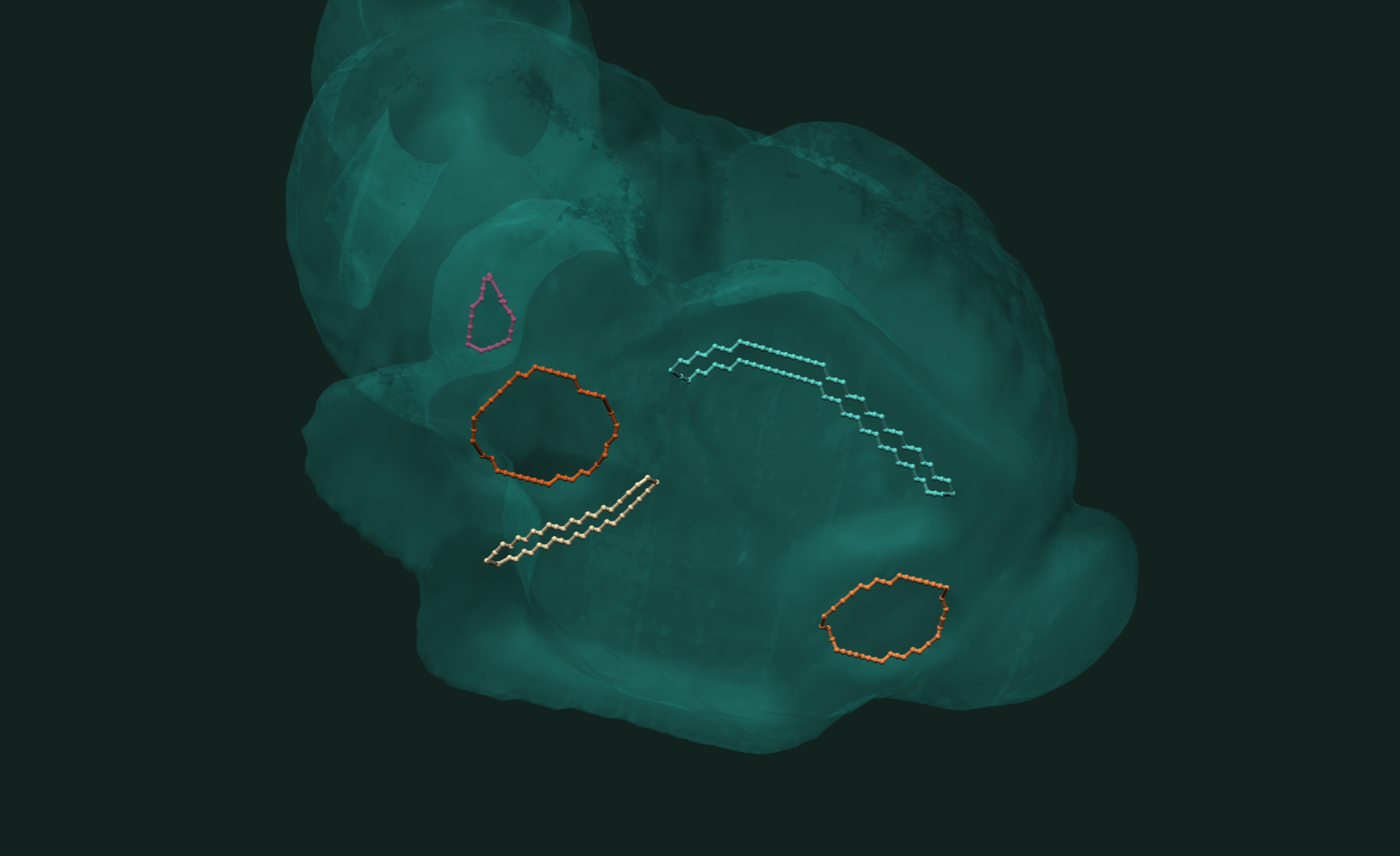
A closed loop repeats its first vertex at the end. curve.indices() gives the vertex ids; iterating curve gives the points. On a single sheet, the longest loop is usually the outer rim and the rest are holes. On a closed part, every loop is a hole.
For more detail per loop, tf::make_boundary_rims returns each rim's vertex walk, the face along each rim edge, and whether the rim closes. Tag a face_membership to share it between calls:
auto fm = tf::make_face_membership(sheet);
auto tagged = sheet | tf::tag(fm);
auto rims = tf::make_boundary_rims(tagged);

for (std::size_t i = 0; i < rims.size(); ++i) {
  auto vertices = rims.vertices[i];  // the rim walked
  auto faces = rims.faces[i];        // the face along each rim edge
  bool rim_closed = rims.closed[i];
}
A closed rim does not repeat its first vertex: the rim of 32 edges has 32 vertices. tf::has_holes(tagged) and tf::is_open(tagged) answer the yes-or-no questions without building the loops.
Working with results
Labels are a tf::buffer<int>. Parts are tf::polygons_buffers that work with every other call in the library. Write them with tf::write_stl or tf::write_obj. Common next steps:
- Find the closest point on the part you kept: closest point on a mesh.
- Reduce a part's triangle count: mesh decimation.
- Join or cut the cleaned parts: mesh booleans.
Related tutorials
- Fast Mesh Booleans in C++ — exact union, intersection and difference of two meshes.
- Fast STL and OBJ Reading in C++ — load and write meshes, the first step of every pipeline.
- Fast and Robust Closest Point on a Mesh in C++ — nearest surface point for a batch of queries.
- Fast and Robust Mesh Slicing and Cross-Sections in C++ — plane sections, layers and slabs of a mesh.
Performance
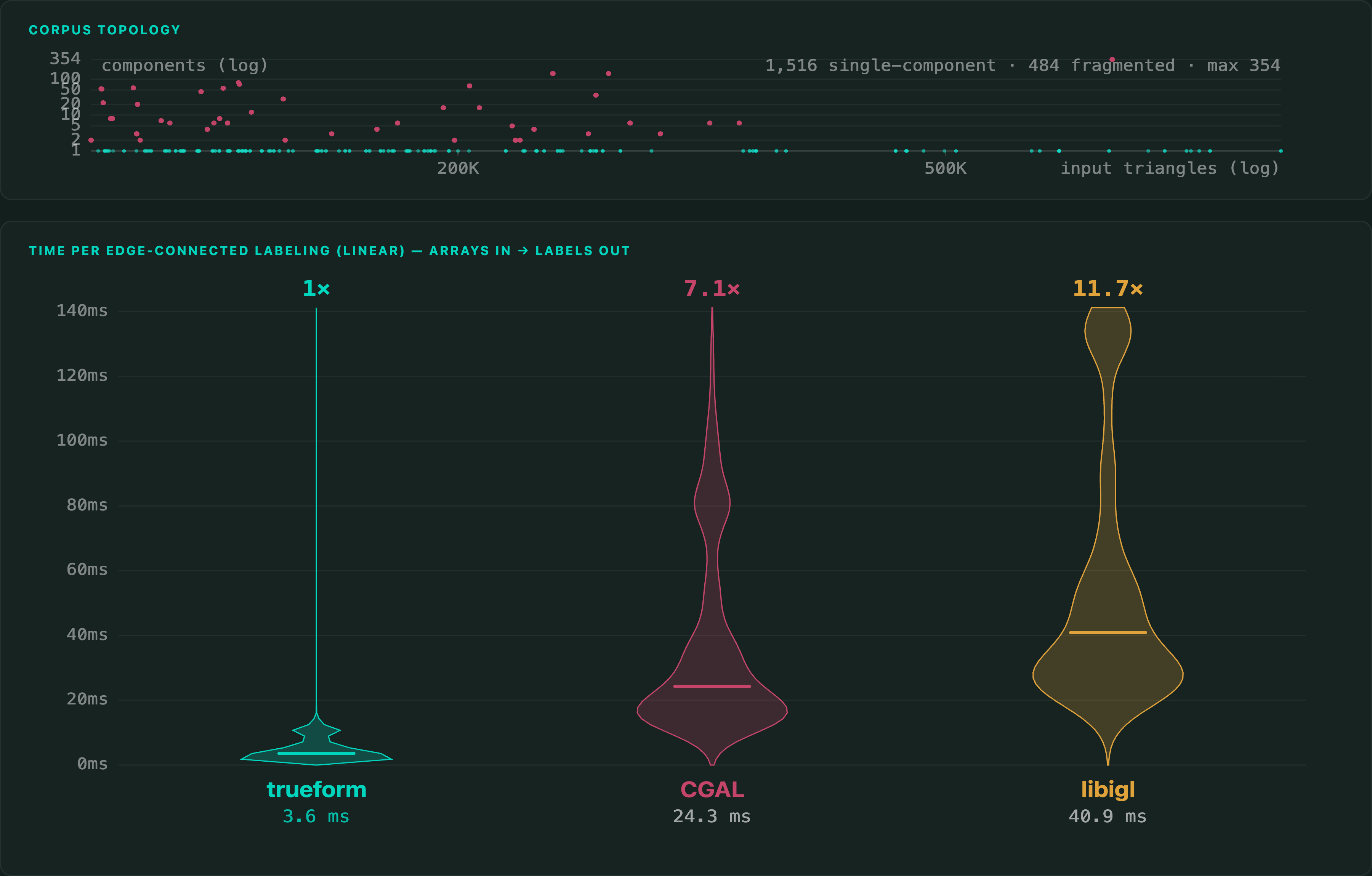
The benchmark labels edge-connected faces on 2,000 production meshes of 100,368 to 938,940 triangles, in C++, against CGAL and libigl. Building the connectivity is inside the timer for all three.
Apple M4 Max 16 threads
Median of fresh-process medians per mesh. Every result is checked: all 2,000 meshes are valid for all three libraries. There is no published benchmark for boundary loops, so that part of the page makes no speed claim.
Full benchmarks · Documentation
@article{polydera:fast-connected-components-in-cpp,
  title={Fast Connected Components in C++},
  author={Sajovic, {\v{Z}}iga, Polydera},
  year={2026},
  url={https://polydera.com/tutorials/fast-connected-components-in-cpp},
  organization={Polydera}
}