Fast Connected Components in JavaScript
Label the connected components of a triangle mesh, split it into separate parts, and find its holes and open edges as boundary loops, in JavaScript and TypeScript. WebAssembly-powered, runs in Node.js and the browser.
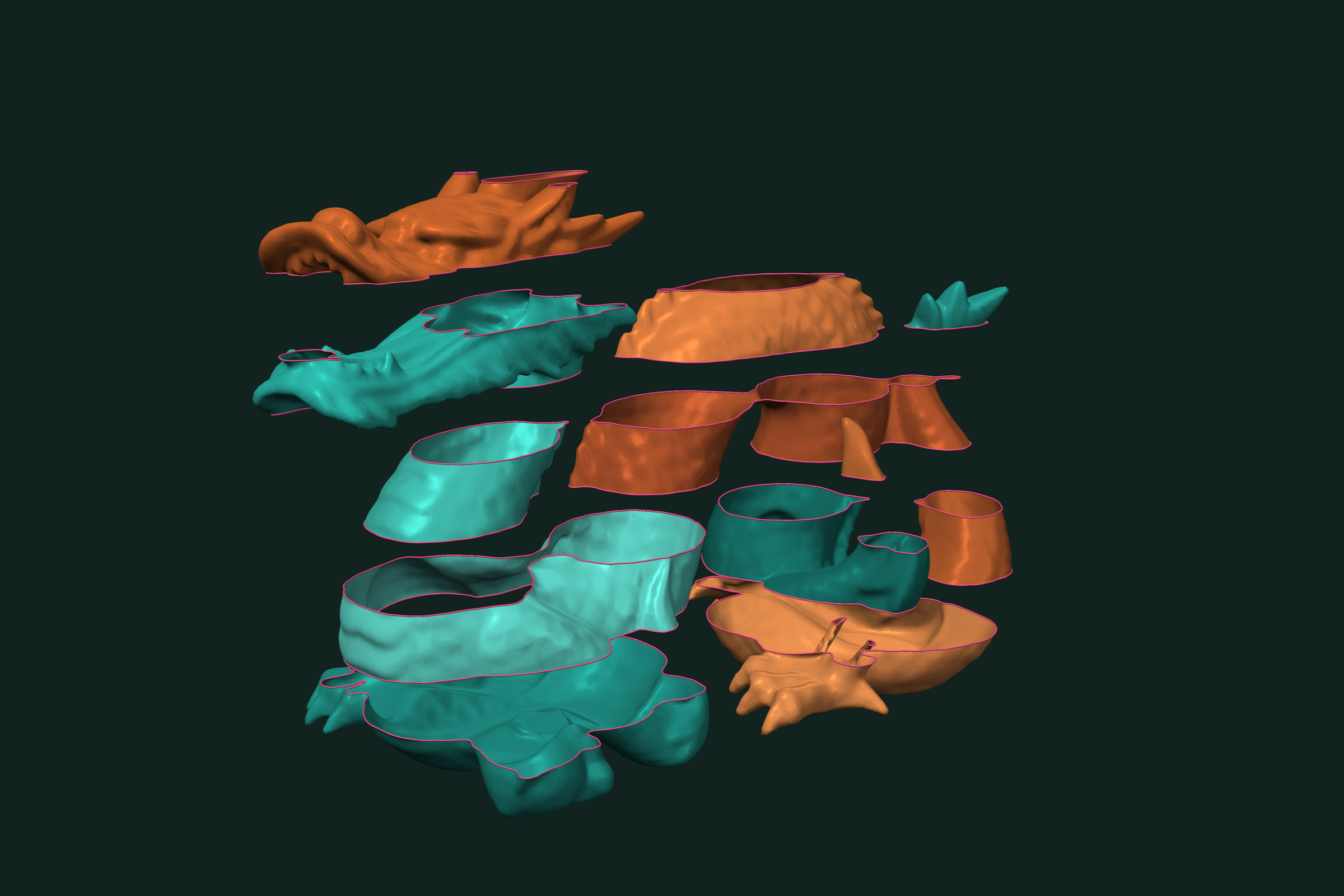
A scanned or exported mesh often holds more than one piece, and some of those pieces have holes. Two questions come first: which faces belong together, and where are the open edges. trueform answers both in JavaScript and TypeScript with one npm install. It is WebAssembly-powered and runs in Node.js and the browser with the same API. Typed arrays in, typed arrays out. This page covers labeling connected components, splitting a mesh into parts, keeping the largest part, and extracting boundary loops for holes and open edges.
Install
npm install @polydera/trueform
The package ships TypeScript types. The WebAssembly binary loads on first use. In the browser, multithreading needs SharedArrayBuffer headers; see the installation guide.
Loading the mesh
import * as tf from "@polydera/trueform";
import { readFileSync } from "node:fs";

const mesh = tf.readStl(readFileSync("scan.stl"));
In the browser, pass the bytes from fetch or a file input. tf.readObj works the same way.
To follow along without a file, build a mesh with three parts: a closed sphere, a closed box, and an open plane. tf.concatenateMeshes applies each part's transformation as it joins them:
const box = tf.boxMesh(1, 1, 1);
box.transformation = tf.makeTranslation(3, 0, 0);

const mesh = tf.concatenateMeshes(
  tf.sphereMesh(1, 32, 32),
  box,
  tf.planeMesh(2, 2, 10, 10));
Labeling connected components
tf.connectedComponents gives every face a component id:
const { labels, nComponents } = tf.connectedComponents(mesh, "edge");
// nComponents: 3
// labels:      NDArrayInt32 [F], one id per face
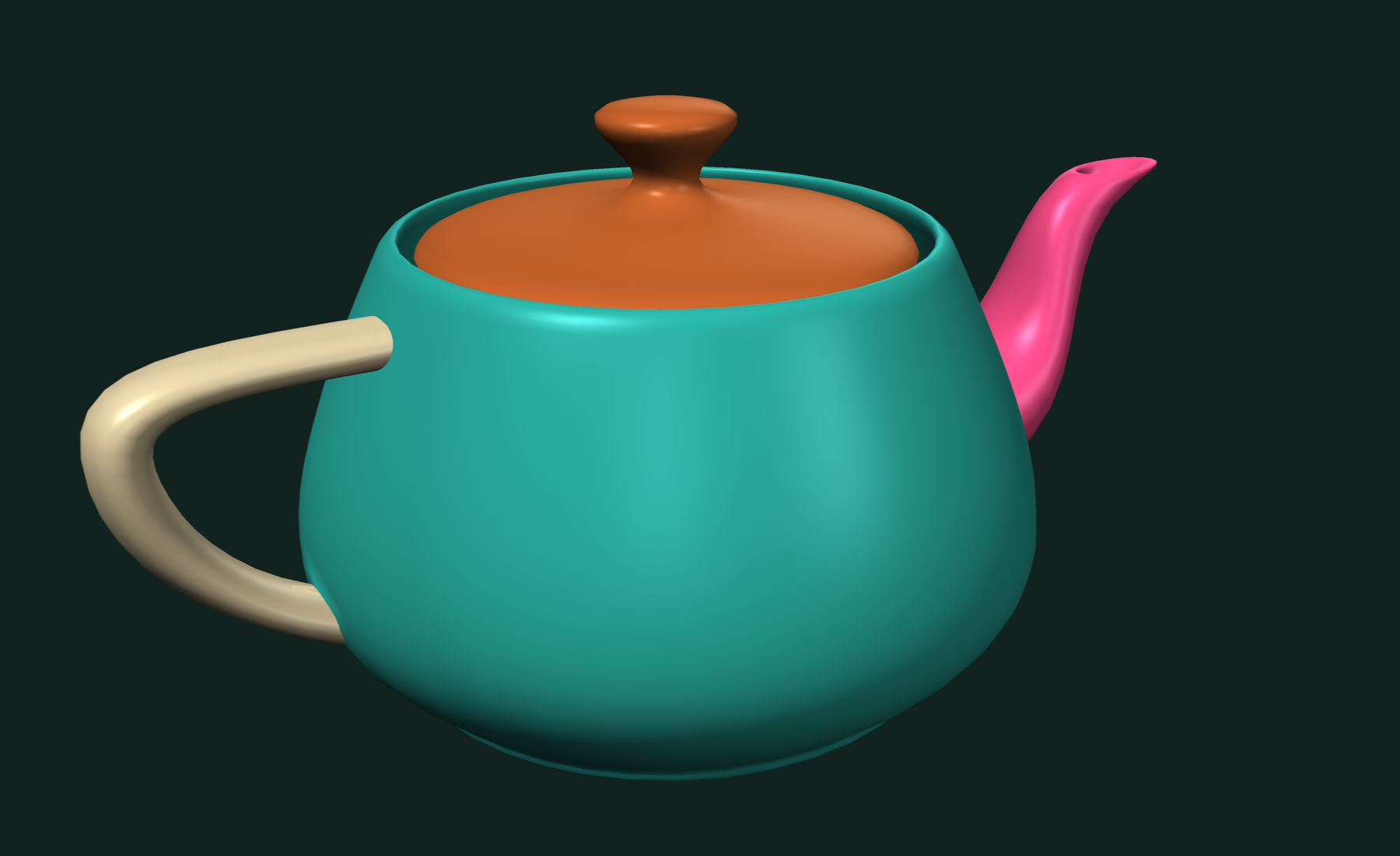
The second argument picks the connectivity:
| Type | Faces are connected when |
|---|---|
"edge" | they share any edge |
"manifoldEdge" | they share an edge that has exactly two faces |
"vertex" | labels vertices instead, connected by shared edges |
Use "manifoldEdge" to cut a mesh apart at its non-manifold edges.
Splitting into parts
tf.splitIntoComponents turns the labels into separate meshes:
const { components, labels: ids } = tf.splitIntoComponents(mesh, labels);

for (let i = 0; i < components.length; i++) {
  console.log(`component ${ids.data[i]}: ${components[i].numberOfFaces} faces`);
}
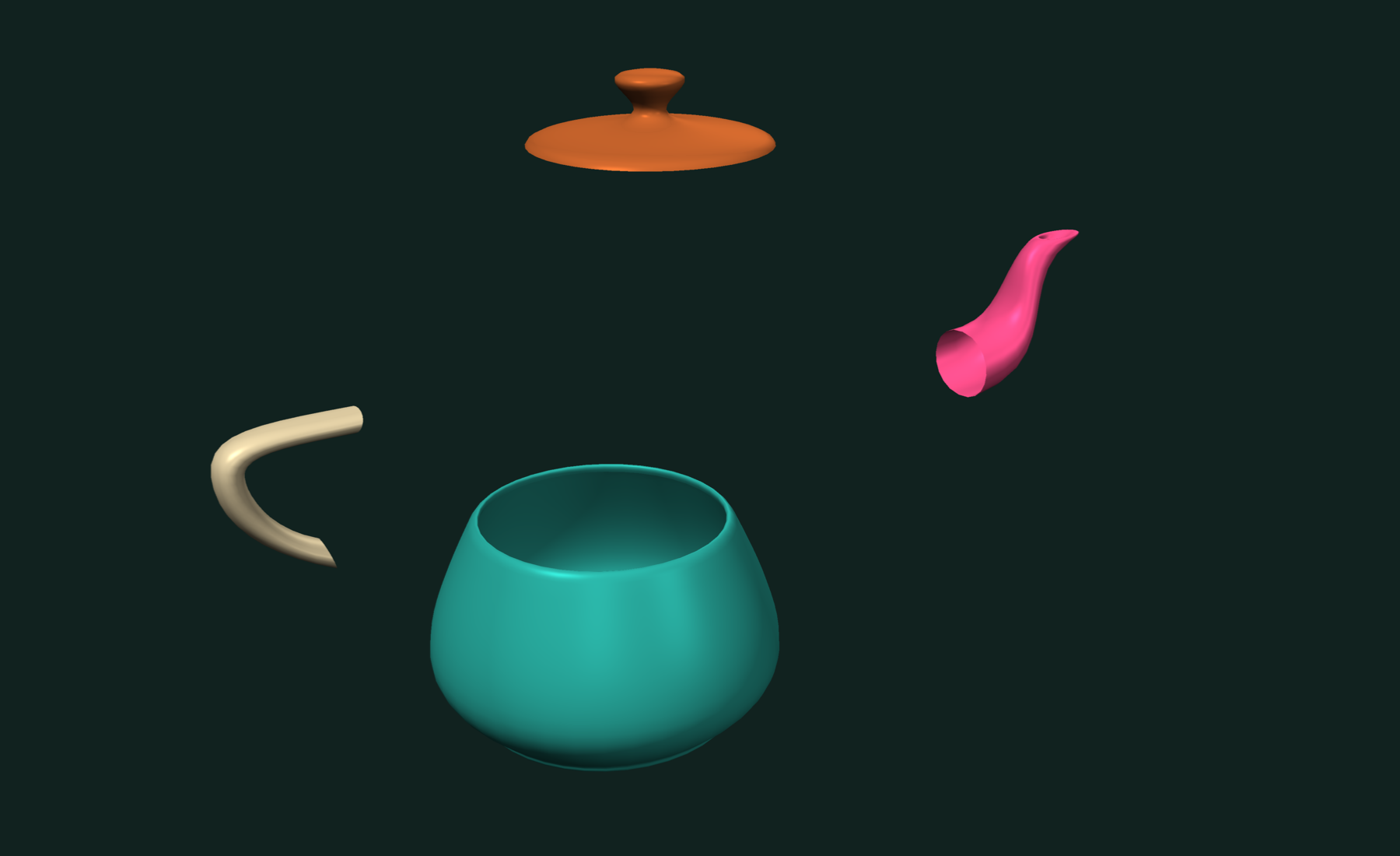
ids is an NDArrayInt32, so read it through .data.
To keep only the largest part, count faces per label and filter by mask:
const counts = tf.bincount(labels);            // faces per component
const largest = counts.argmax();               // its label
const main = tf.reindexedByMask(mesh, labels.eq(largest));
This is the usual way to drop floating debris from a scan.
Finding holes and open edges
A closed mesh has no boundary edges. Check it first:
tf.isClosed(mesh);              // false, the plane is open
tf.isManifold(mesh);            // true
tf.eulerCharacteristic(mesh);   // V - E + F
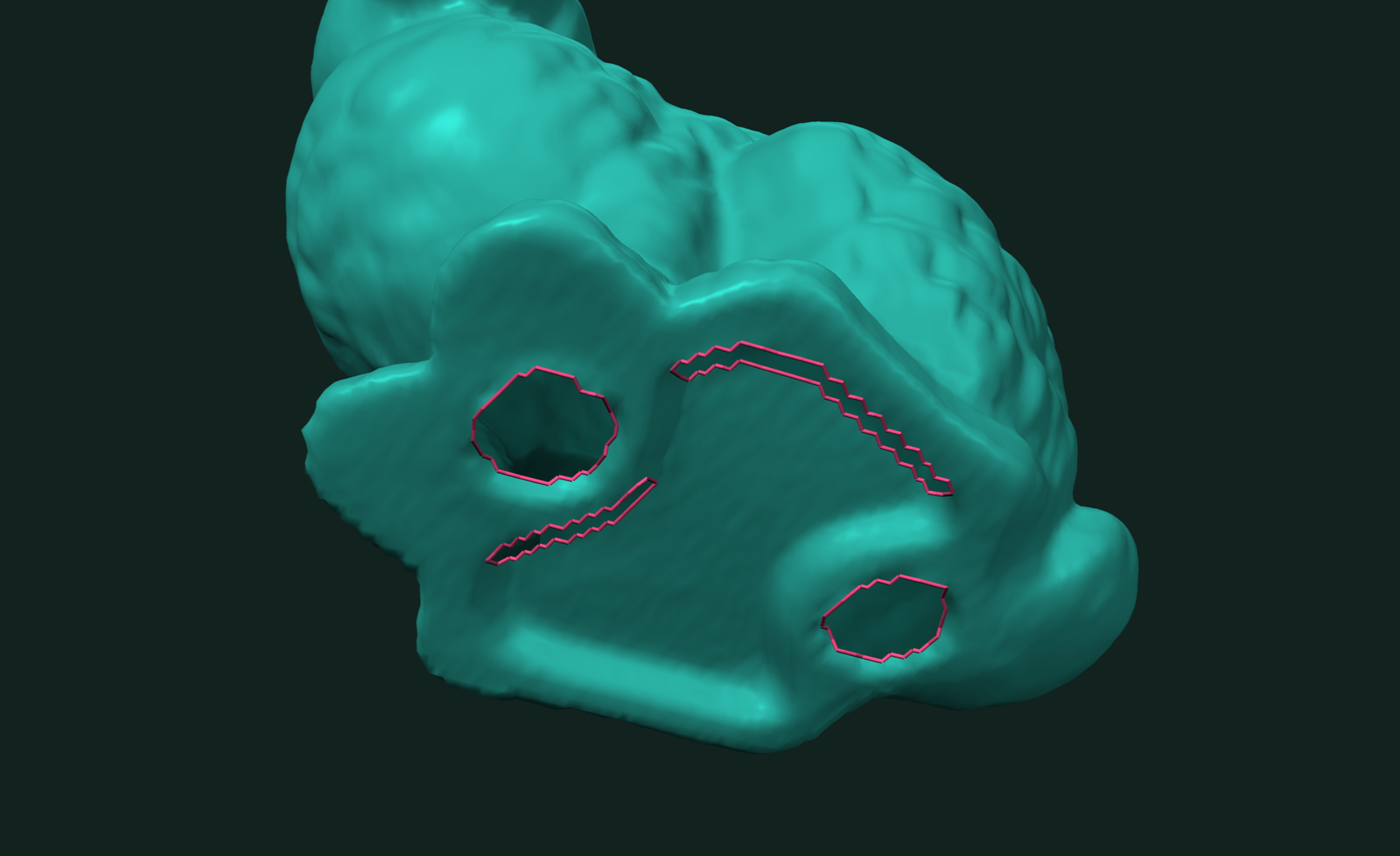
tf.boundaryEdges lists every edge that has only one face, as vertex pairs:
const edges = tf.boundaryEdges(mesh); // NDArrayInt32 [N, 2]
Edges with three or more faces are a different problem. tf.nonManifoldEdges(mesh) and tf.nonManifoldVertices(mesh) find those.
Boundary loops
tf.boundaryPaths joins the boundary edges into loops of vertex ids:
const paths = tf.boundaryPaths(mesh);   // OffsetBlockedBuffer

for (const path of paths) {
  const ids = path.data;                // Int32Array of vertex ids
  console.log(`loop of ${ids.length - 1} edges`);
}
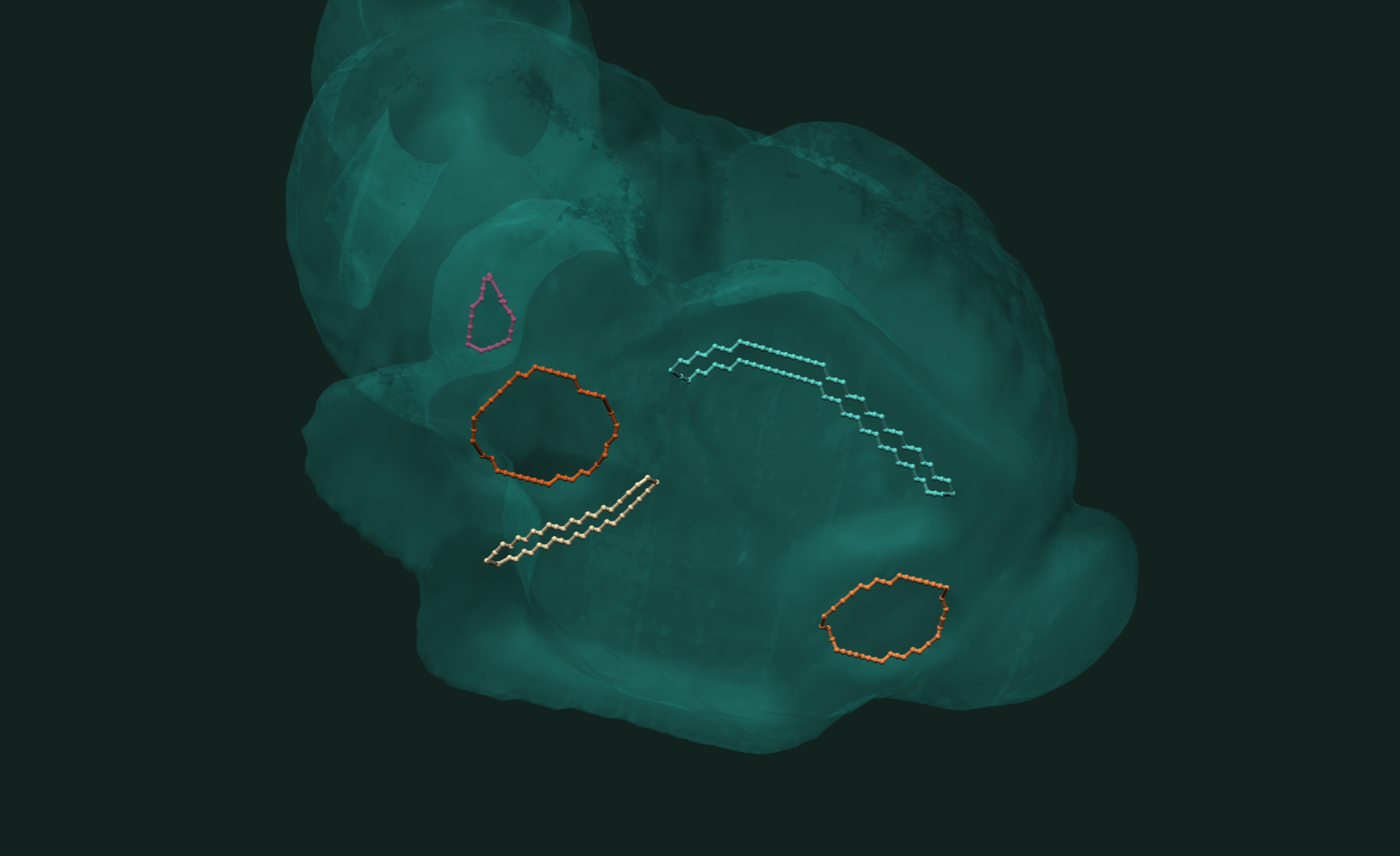
A closed loop repeats its first vertex at the end, so a loop of 40 edges holds 41 ids. The loop's points are one gather:
const loopPoints = mesh.points.take(paths.get(0)); // [41, 3]
tf.boundaryRims reads the same boundary with more detail. For each rim it gives the vertex walk, the face that carries each rim edge, and whether the rim closes. Each rim lists every vertex once:
const { vertices, faces, closed } = tf.boundaryRims(mesh);

for (let i = 0; i < vertices.length; i++) {
  const walk = vertices.get(i);       // vertex ids in walk order
  const carriers = faces.get(i);      // one face per rim edge
  const isClosed = closed.data[i] !== 0;
}
Rims are what the hole filler tf.fillHoles takes; see the Fill module docs.
Working with results
The face labels are per-face data. Map them to colors for display, or pass them to the remeshers as preserveRegions to keep the parts apart. To draw the boundary, turn the loops into tubes:
const curves = tf.curves(paths, mesh.points);
const tubes = tf.tubeMesh(curves, 0.01, 8);   // radius, radial segments
tubes is a regular mesh. Its faces.data and points.data go straight into a Three.js BufferGeometry.
Every call here has an async twin under tf.async that runs off the main thread:
const { labels, nComponents } = await tf.async.connectedComponents(mesh, "edge");
const { components } = await tf.async.splitIntoComponents(mesh, labels);
const rims = await tf.async.boundaryRims(mesh);
Related tutorials
- Fast Mesh Booleans in JavaScript — exact union, intersection and difference of two meshes.
- Fast STL and OBJ Reading in JavaScript — load and write meshes, the first step of every pipeline.
- Fast and Robust Closest Point on a Mesh in JavaScript — nearest surface point for a batch of queries.
- Fast and Robust Mesh Slicing and Cross-Sections in JavaScript — plane sections, layers and slabs of a mesh.
Performance
We measured connected components on 100 Thingi10K meshes (100,368 to 938,940 faces) and the dragon at five sizes. Each run labels every face by edge connectivity.
Apple M4 Max 16 threads Node.js 25 · WebAssembly
The Thingi10K rows are geometric means over the meshes in each size range. The times start from the vertex and index arrays. They include building the mesh and its face adjacency, and copying the labels out as typed arrays. trueform ran on its WebAssembly thread pool of 16 workers. No peer library in JavaScript was timed.
Best of the timed runs after warm-ups, measured 2026-11-01 with trueform 0.10.8; harness and raw results: benchmarks/tutorials/javascript-connected-components.
Full benchmarks · Documentation
@article{polydera:fast-connected-components-in-javascript,
  title={Fast Connected Components in JavaScript},
  author={Sajovic, {\v{Z}}iga, Polydera},
  year={2026},
  url={https://polydera.com/tutorials/fast-connected-components-in-javascript},
  organization={Polydera}
}