Fast and Robust Principal Curvatures of a Mesh in Python
Compute principal curvatures, principal directions, Gaussian and mean curvature, and the shape index of a triangle mesh in Python. One pip install, NumPy arrays in and out.
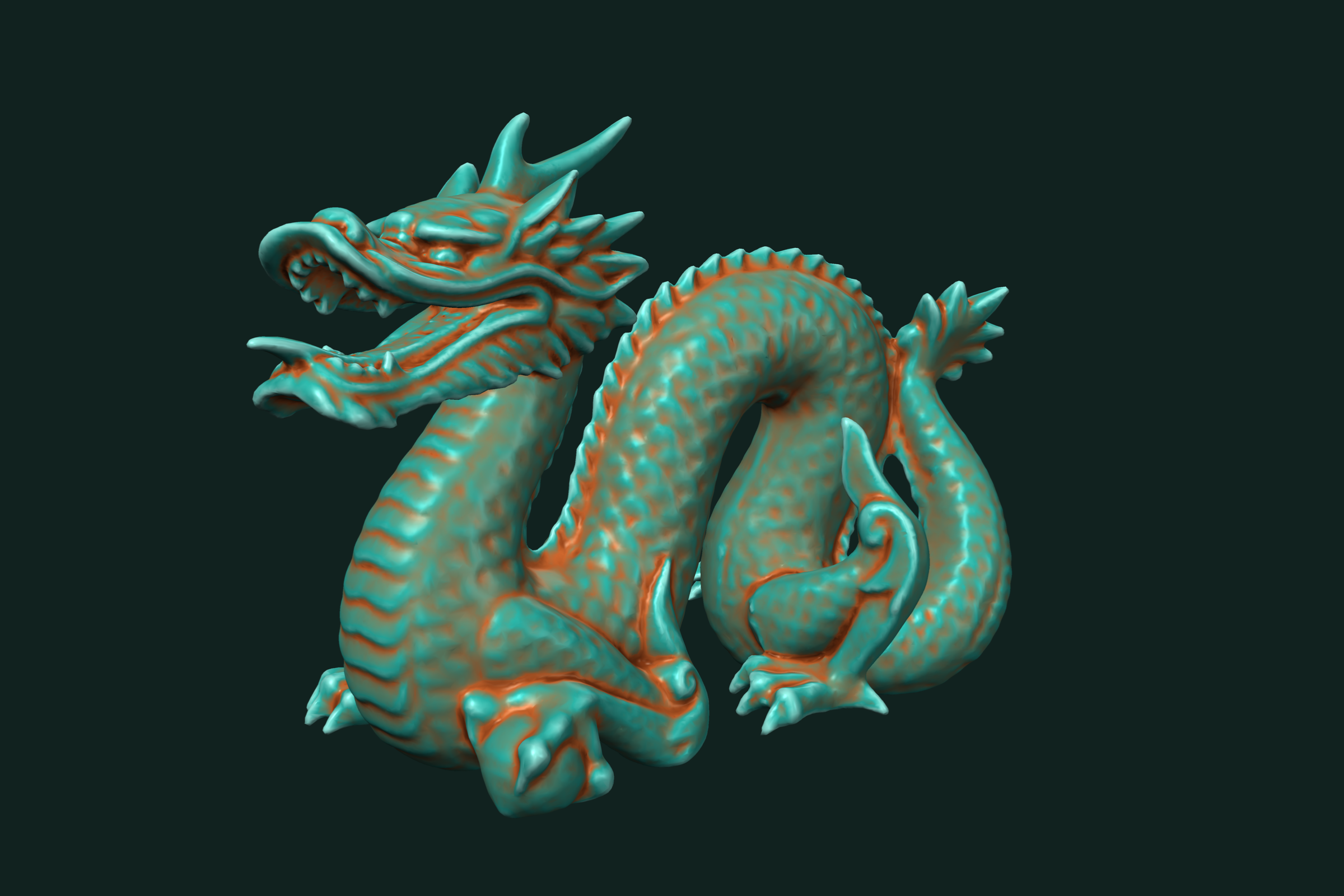
Principal curvatures tell you how a surface bends at each point. k0 is the largest bend, k1 the smallest. From them you get Gaussian curvature, mean curvature, and the shape index. trueform computes all of it per vertex. One pip install. NumPy arrays in, NumPy arrays out. This tutorial covers principal curvatures, principal directions, the shape index, and how to read the signs.
Install
pip install trueform
See the installation guide for all options.
Loading the mesh
import trueform as tf
import numpy as np

mesh = tf.Mesh(*tf.read_stl("part.stl"))
tf.read_obj works the same way. If you already have NumPy arrays, pass them to tf.Mesh(faces, points). Every function below also takes a plain (faces, points) tuple.
To follow along without a file, make a sphere of radius 2. Its curvature is 1/2 everywhere, so you can check the numbers:
faces, points = tf.make_sphere_mesh(2.0, 100, 200)
mesh = tf.Mesh(faces, points)
Principal curvatures
k0, k1 = tf.principal_curvatures(mesh)
# k0, k1: np.ndarray, shape (num_points,)
# k0 >= k1 at every point
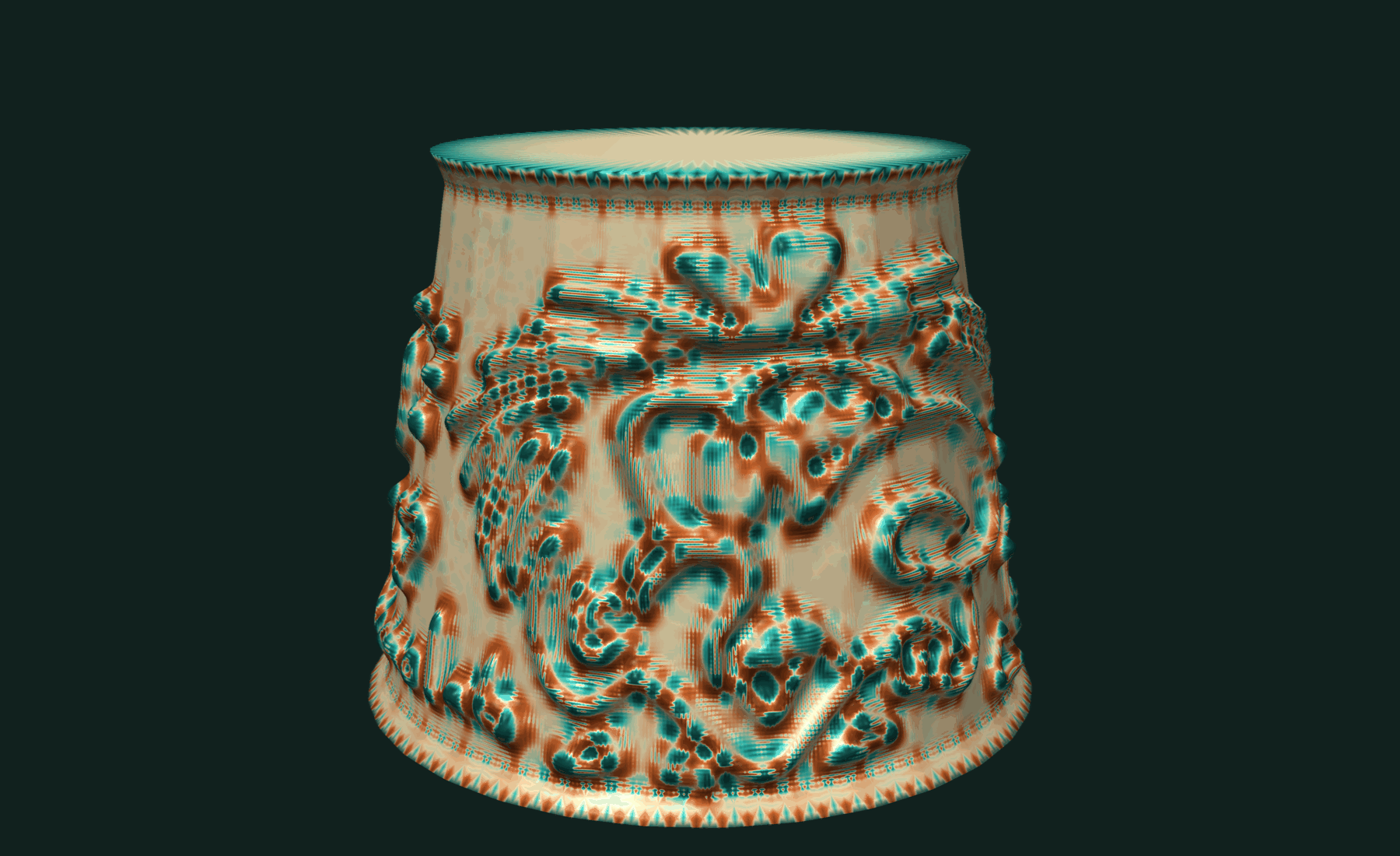
On the sphere both are close to 0.5. Each vertex fits a quadric to its neighborhood. The neighborhood is the k-ring, two rings by default. A larger ring smooths out noise:
k0, k1 = tf.principal_curvatures(mesh, k=3)
Gaussian and mean curvature follow directly:
gaussian = k0 * k1
mean = 0.5 * (k0 + k1)
On the sphere, Gaussian curvature is close to 0.25 and mean curvature close to 0.5.
Principal directions
Ask for the directions too:
k0, k1, d0, d1 = tf.principal_curvatures(mesh, directions=True)
# d0, d1: np.ndarray, shape (num_points, 3)
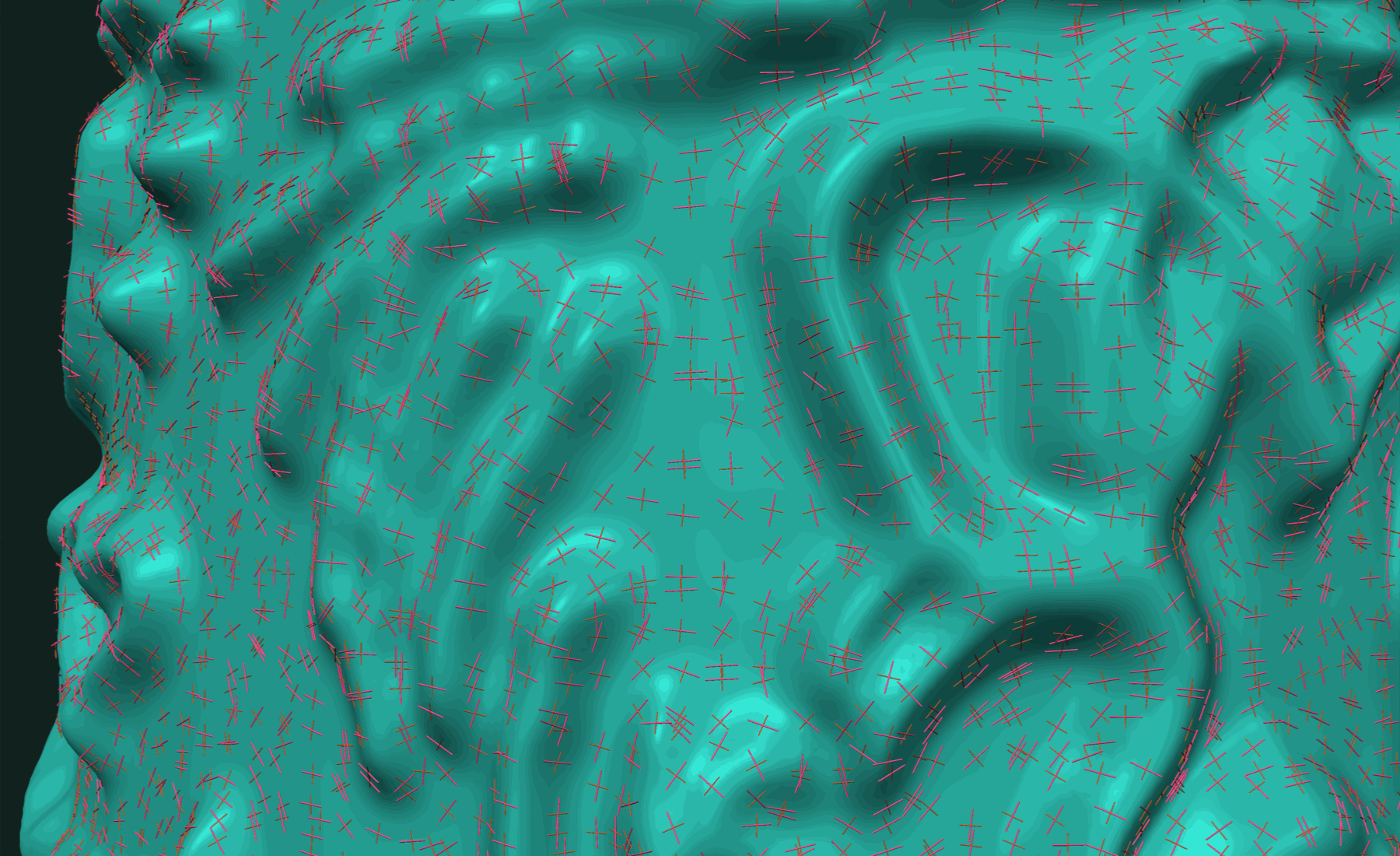
d0 is the direction of k0, d1 the direction of k1. Both are unit vectors, perpendicular to each other and to the vertex normal. You can check:
n = tf.point_normals(mesh)
np.abs((d0 * d1).sum(axis=1)).max()   # close to 0
np.abs((d0 * n).sum(axis=1)).max()    # close to 0
Directions are useful for drawing hatching along a surface, for aligning tool paths, and for finding ridges and valleys.
Shape index
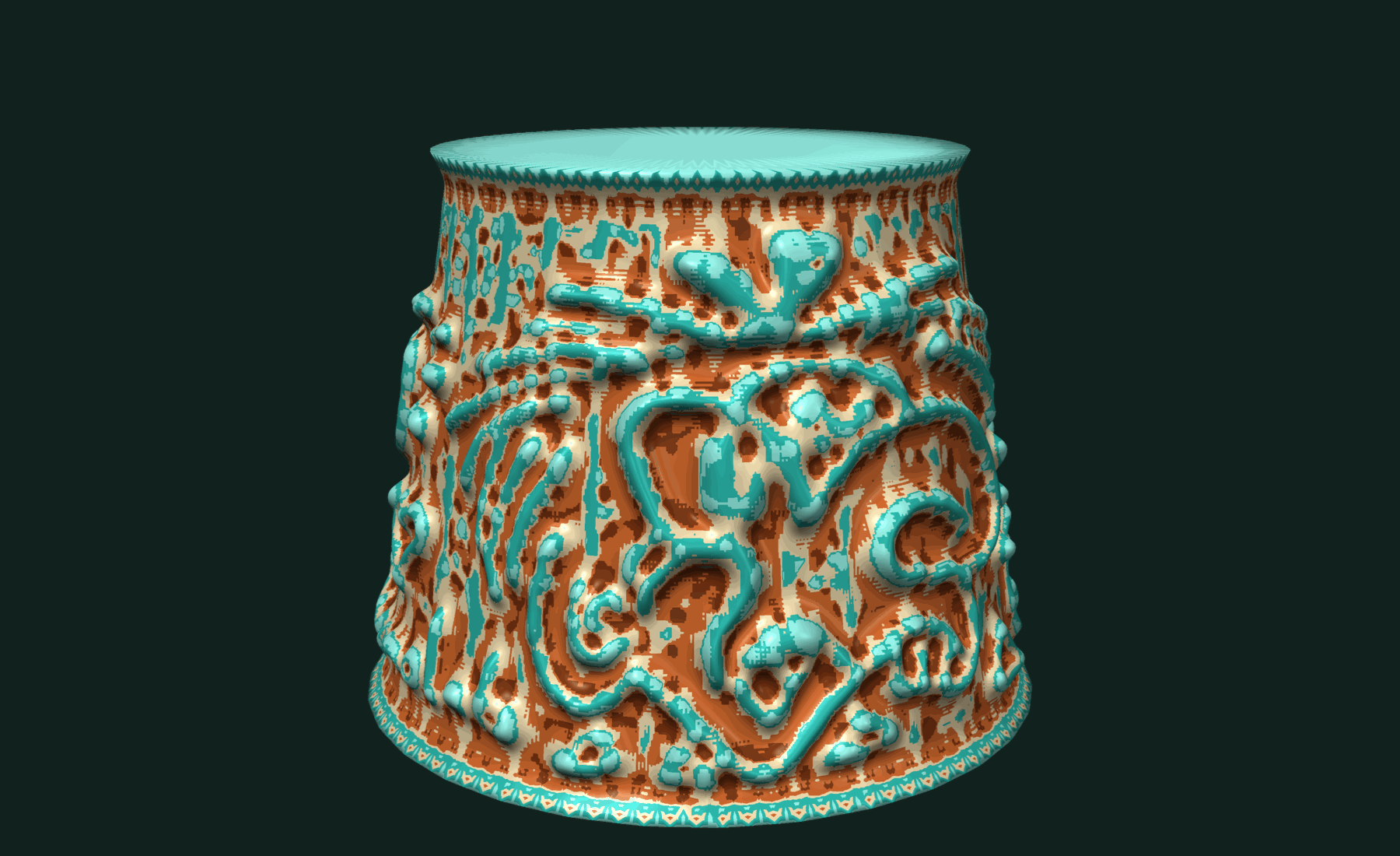
The shape index folds the two curvatures into one number in -1, 1. It describes the local shape, not its size. A small ball and a large ball have the same shape index.
si = tf.shape_index(mesh)          # shape (num_points,)
si = tf.shape_index(mesh, k=3)     # larger neighborhood
| Range | Shape |
|---|---|
| [-1, -5/8) | Cup |
| [-5/8, -3/8) | Trough |
| [-3/8, 3/8) | Saddle |
| [3/8, 5/8) | Ridge |
| 5/8, 1 | Cap |
Classify every vertex:
names = ["cup", "trough", "saddle", "ridge", "cap"]
cls = np.digitize(si, [-5/8, -3/8, 3/8, 5/8])
counts = dict(zip(names, np.bincount(cls, minlength=5)))
On the sphere every vertex is a cap.
Reading the signs
Signs follow the face orientation. With outward-facing normals, a convex surface has positive curvature. On the sphere k0 and k1 are positive and the shape index is near 1. Flip the faces and the signs flip with them:
flipped = tf.Mesh(faces[:, ::-1].copy(), points)
tf.shape_index(flipped)   # near -1 on the same sphere
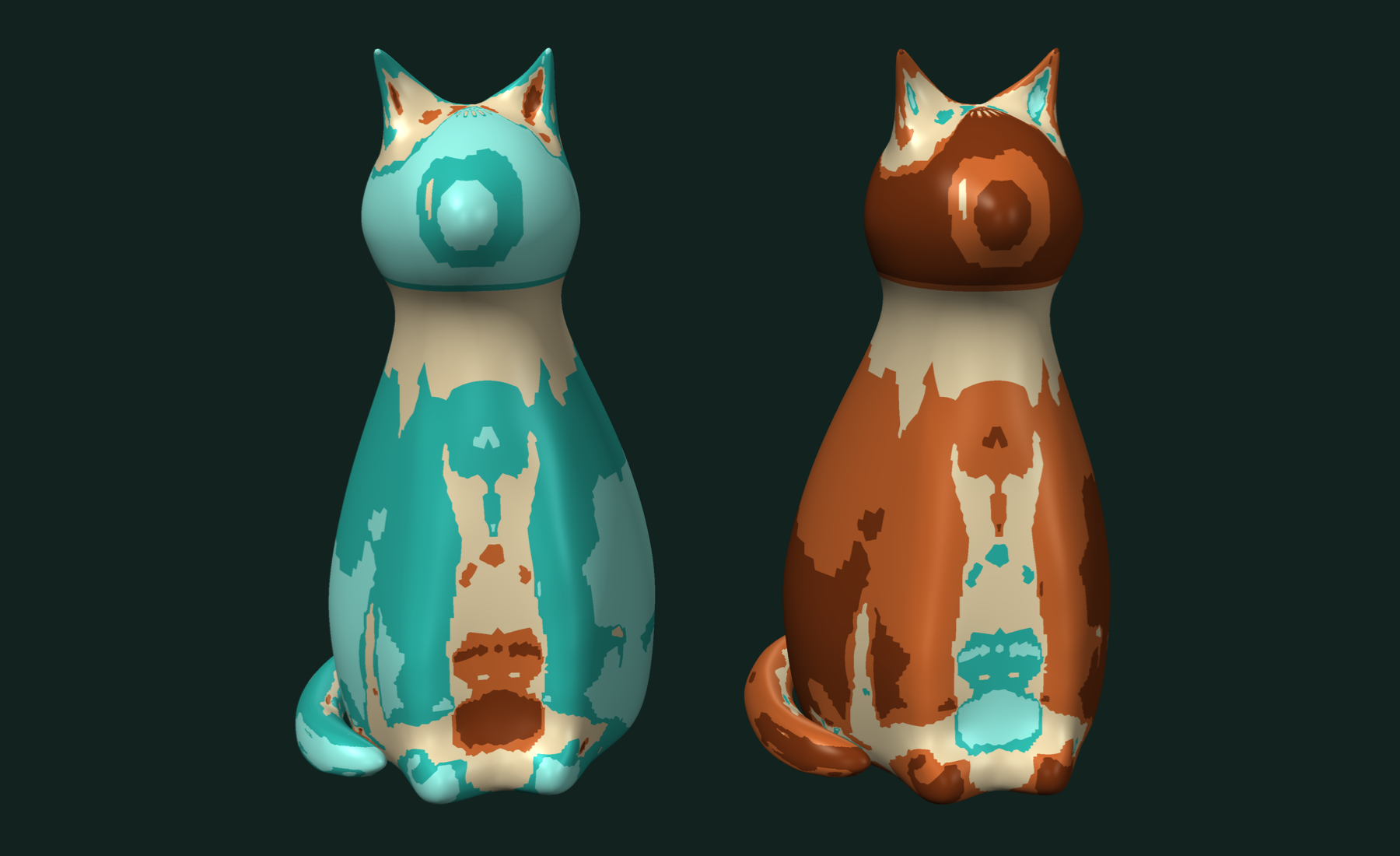
If your results look inverted, check the winding first.
A height field shows all the shapes. Take a flat grid with +z normals and bend it:
faces, points = tf.make_plane_mesh(2.0, 2.0, 100, 100)
x, y = points[:, 0], points[:, 1]

points[:, 2] = x**2 - y**2          # saddle: shape index 0 at the center
saddle = tf.Mesh(faces, points.copy())

points[:, 2] = -(x**2)              # bends away from the normal: ridge, +0.5
ridge = tf.Mesh(faces, points.copy())

points[:, 2] = x**2                 # bends toward the normal: trough, -0.5
trough = tf.Mesh(faces, points.copy())
Working with results
All results are NumPy arrays with one value per point, in the mesh's dtype. Use them as colors, as weights, or as fields for other tools.
Draw the lines where the surface changes from saddle to ridge with isocontours:
paths, curve_points = tf.isocontours(mesh, si, 3/8)
Cut the mesh into regions by shape with isobands:
cuts = np.array([-3/8, 3/8], dtype=si.dtype)
(region_faces, region_points), labels, face_labels = \
    tf.isobands(mesh, si, cuts)
# labels: 0 concave, 1 saddle, 2 convex
Flag sharp spots for inspection:
sharp = np.flatnonzero(np.maximum(np.abs(k0), np.abs(k1)) > 10.0)
Combine curvature with geodesic distances to look only at the neighborhood of a point.
Related tutorials
- Fast and Accurate Geodesic Distances in Python — distance along the surface from one seed or many.
- Fast and Robust Isocontours on a Triangle Mesh in Python — curves and bands of equal value on a scalar field.
- Fast and Robust Mesh Slicing and Cross-Sections in Python — plane sections, layers and slabs of a mesh.
- Fast STL and OBJ Reading in Python — load and write meshes, the first step of every pipeline.
Performance
Apple M4 Max 16 threads
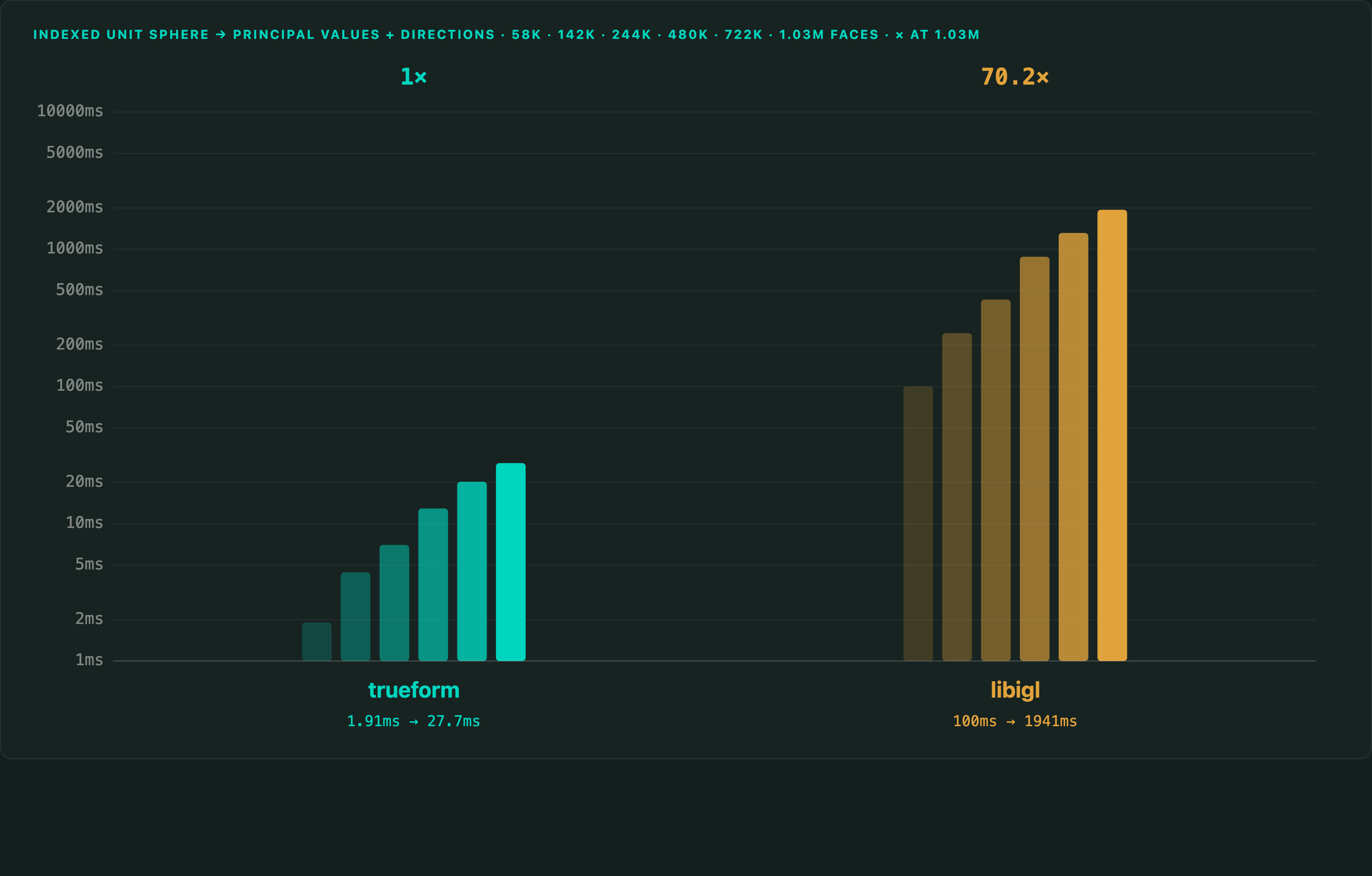
Full benchmarks · Documentation
@article{polydera:principal-curvatures-of-a-mesh-in-python,
  title={Fast and Robust Principal Curvatures of a Mesh in Python},
  author={Sajovic, {\v{Z}}iga, Polydera},
  year={2026},
  url={https://polydera.com/tutorials/principal-curvatures-of-a-mesh-in-python},
  organization={Polydera}
}