Fast and Robust Mesh Collision Detection in Python
Test whether two triangle meshes collide, measure the clearance between them, and find which faces touch, in Python. Move meshes with a 4×4 transformation, no rebuilds. One pip install, NumPy in and out.
Collision detection asks three questions about two meshes. Do they touch? If not, how far apart are they? If they do, which faces touch? trueform answers all three on triangle meshes, with each mesh in its own pose. One pip install. NumPy arrays in, NumPy arrays out. This tutorial covers the test, the clearance, the contact faces, and moving a mesh without rebuilding anything.
Install
pip install trueform
See the installation guide for all options.
Loading the meshes
import trueform as tf
import numpy as np

fixture = tf.Mesh(*tf.read_stl("fixture.stl"))
part = tf.Mesh(*tf.read_obj("part.obj"))
To follow along without files, use a subdivided box as the static mesh and a small sphere as the moving one:
static = tf.Mesh(*tf.make_box_mesh(2.0, 2.0, 2.0, 10, 10, 10))
moving = tf.Mesh(*tf.make_sphere_mesh(0.5, stacks=30, segments=30))
The box spans −1 to 1 on each axis. The sphere has radius 0.5.
Moving a mesh
Each tf.Mesh can carry a 4×4 transformation. Every query applies it on the fly. The points are not rewritten and the spatial tree stays valid.
def translation(x, y, z):
    T = np.eye(4, dtype=np.float32)
    T[:3, 3] = [x, y, z]
    return T

moving.transformation = translation(3.0, 0.0, 0.0)
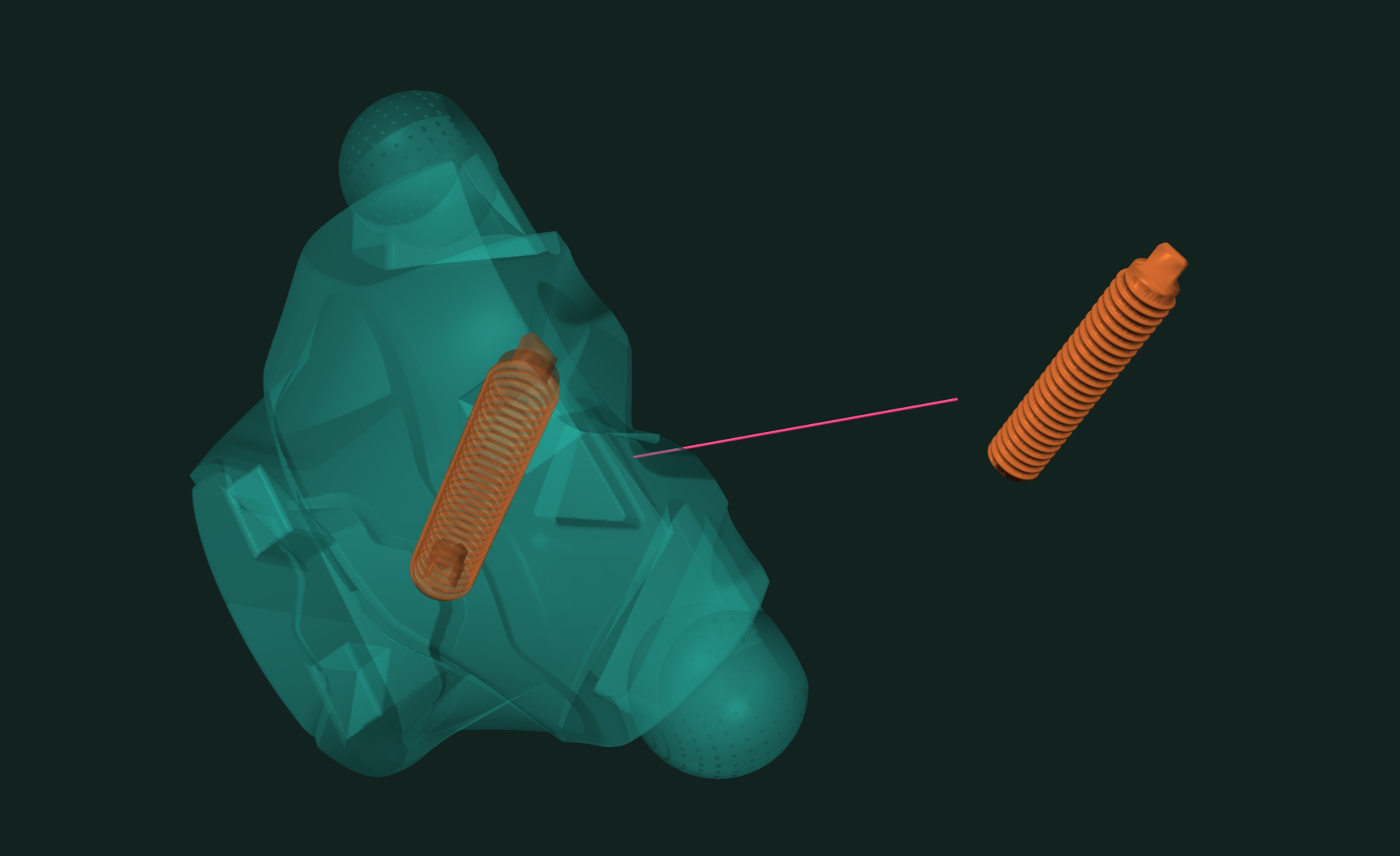
The matrix dtype matches the mesh: float32 here. Rotations go in T[:3, :3].
Do the meshes collide?
tf.intersects returns a bool:
moving.transformation = translation(3.0, 0.0, 0.0)
tf.intersects(static, moving)  # False

moving.transformation = translation(1.3, 0.0, 0.0)
tf.intersects(static, moving)  # True
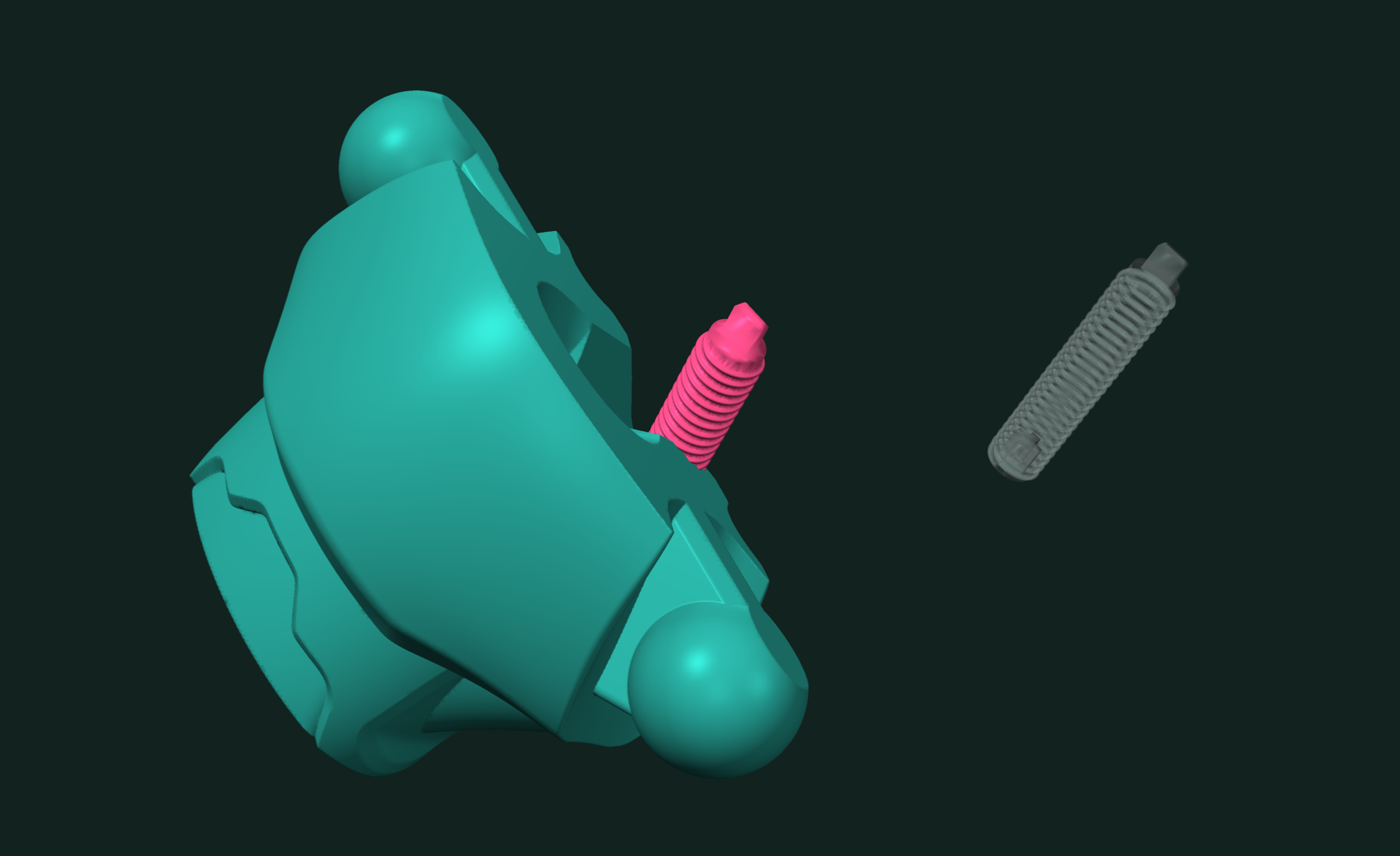
Touching counts. With the sphere at x = 1.5, its surface just meets the box face at x = 1, and the answer is True.
The test is on surfaces. A sphere entirely inside the box does not cross any box face, so tf.intersects returns False. To catch containment, test one vertex of the moving mesh with a point-in-mesh test.
How far apart are they?
For clearance, use tf.distance. It returns 0.0 when the meshes touch.
moving.transformation = translation(1.55, 0.0, 0.0)
tf.distance(static, moving)   # 0.05
tf.distance2(static, moving)  # 0.0025, squared
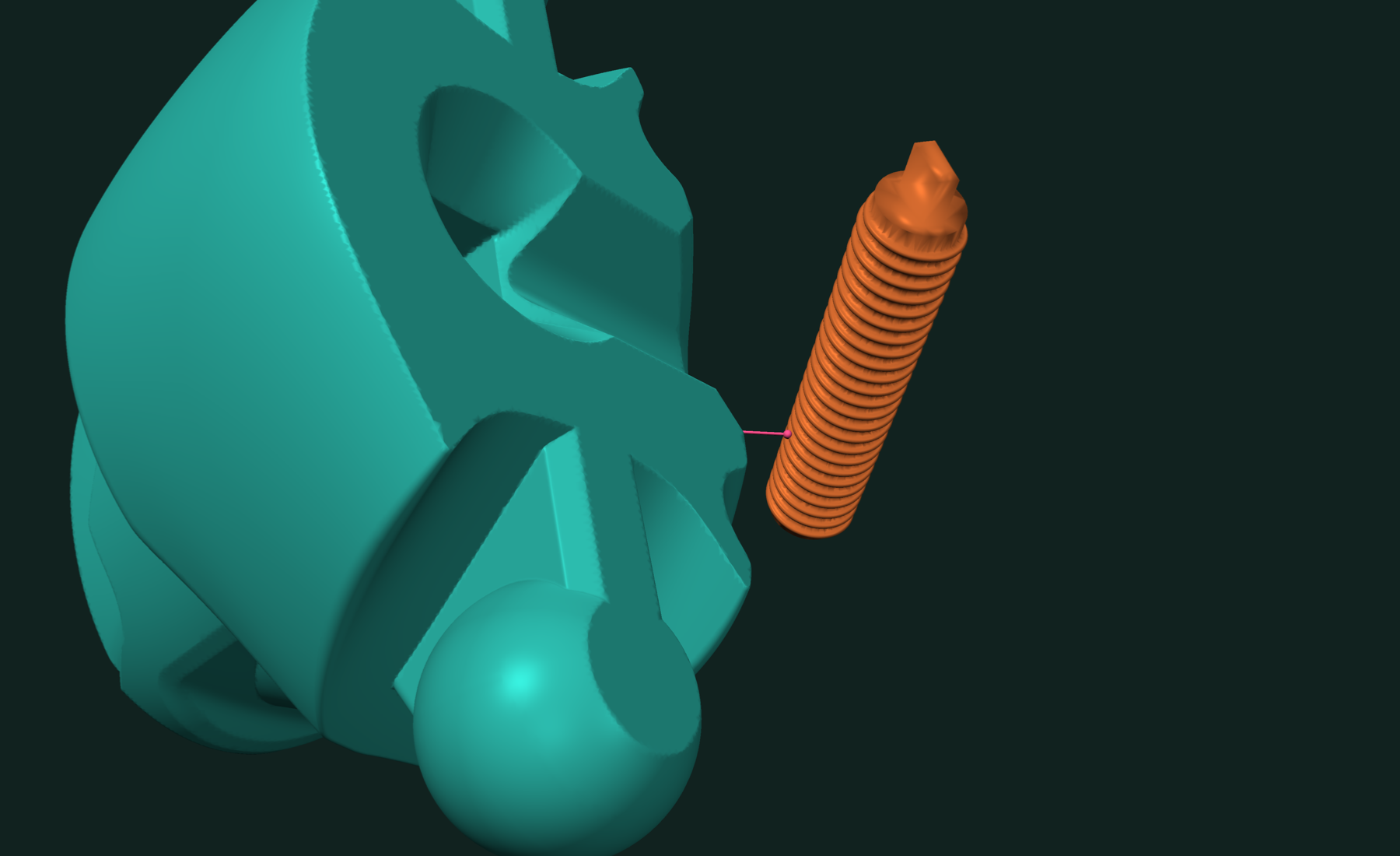
To get the closest pair itself, call tf.neighbor_search with two meshes:
(face0, face1), (dist2, pt0, pt1) = tf.neighbor_search(static, moving)
# face0, face1: closest face on each mesh
# pt0, pt1:     closest points, in world coordinates
# dist2:        squared distance between them
For a primitive against a primitive, use tf.closest_metric_point_pair. It takes points, segments, triangles, polygons, rays, lines, planes and boxes, not meshes. A common use is a capsule: a segment with a radius, as a stand-in for a tool or a robot link.
axis = tf.Segment(np.array([[1.3, -0.5, 0.0], [1.3, 0.5, 0.0]], dtype=np.float32))
radius = 0.2

# closest box face to the capsule axis
face_id, d2, pt = tf.neighbor_search(static, axis)
clearance = np.sqrt(d2) - radius   # 0.1

# closest points between the axis and that face
tri = tf.Triangle(static.points[static.faces[face_id]])
d2, on_axis, on_face = tf.closest_metric_point_pair(axis, tri)
Both operands must share a dtype. A float64 segment against a float32 mesh raises a TypeError.
Which faces touch?
tf.gather_intersecting_ids returns every pair of intersecting faces, as an (M, 2) array:
moving.transformation = translation(1.3, 0.0, 0.0)

pairs = tf.gather_intersecting_ids(static, moving)
pairs.shape              # (120, 2)
np.unique(pairs[:, 0])   # faces of the box in contact
np.unique(pairs[:, 1])   # faces of the sphere in contact
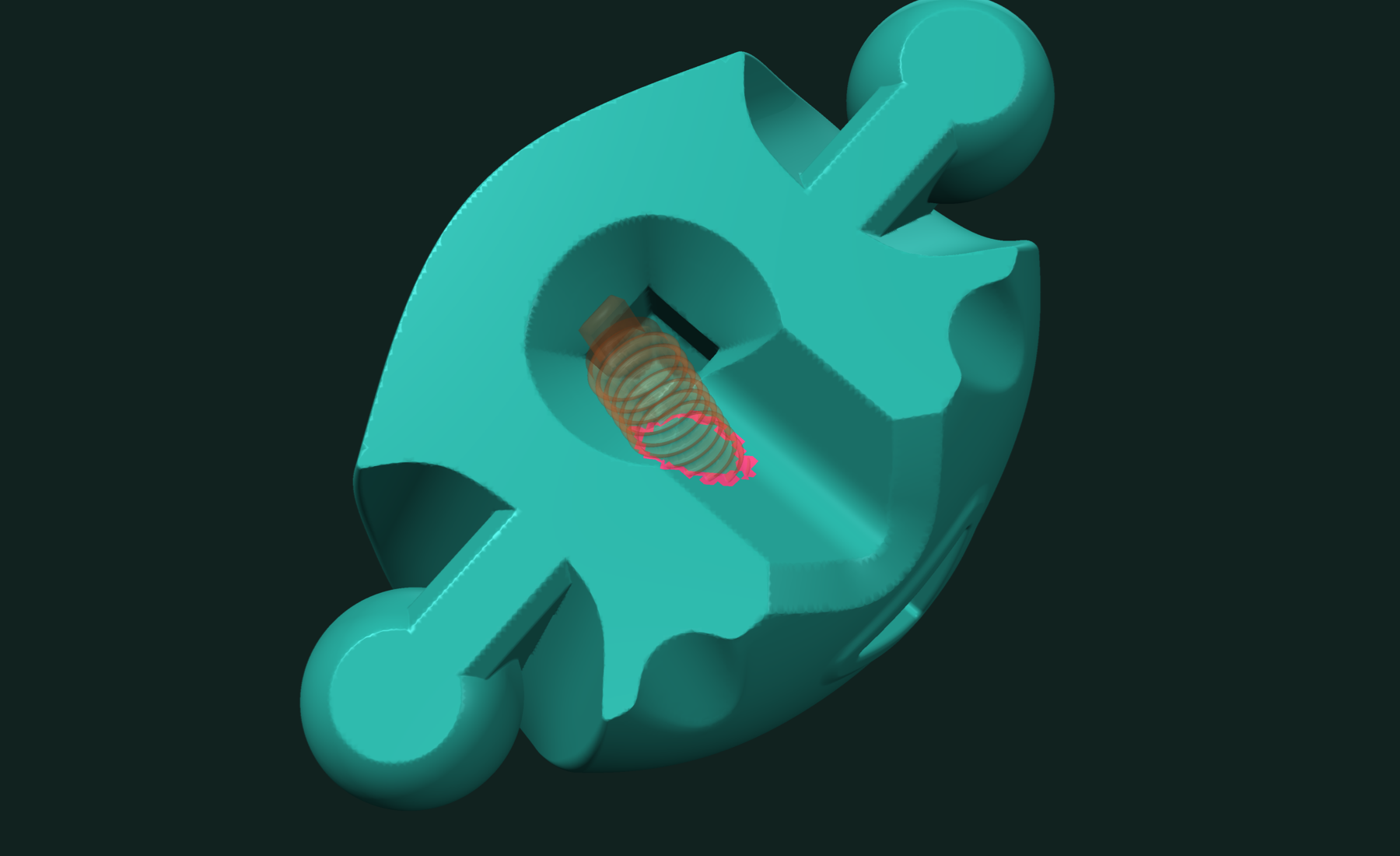
Column 0 indexes faces of the first mesh, column 1 faces of the second. Use them to color the contact, to transfer attributes, or to restrict a finer check.
For near misses, gather the pairs within a distance:
moving.transformation = translation(1.55, 0.0, 0.0)

near = tf.gather_ids_within_distance(static, moving, distance=0.1)
near.shape  # (430, 2)
Working with results
In a motion loop, build the trees once and only change the transformation:
static.build_tree()
moving.build_tree()

for x in np.linspace(3.0, 0.0, 7):
    moving.transformation = translation(x, 0.0, 0.0)
    hit = tf.intersects(static, moving)
    gap = tf.distance(static, moving)
To test many copies of one part in different poses, use part.shared_view(). Each view shares the data and the tree, and carries its own transformation.
When you need the contact as geometry, not just face pairs, compute the intersection curves:
paths, curve_points = tf.intersection_curves(static, moving)
Related tutorials
- Fast and Robust Closest Point on a Mesh in Python — nearest surface point for a batch of queries.
- Fast and Exact Mesh Intersection Curves in Python — exact curves where two or more meshes cross.
- Fast Mesh Booleans in Python — exact union, intersection and difference of two meshes.
- Fast STL and OBJ Reading in Python — load and write meshes, the first step of every pipeline.
Performance
Apple M4 Max 16 threads
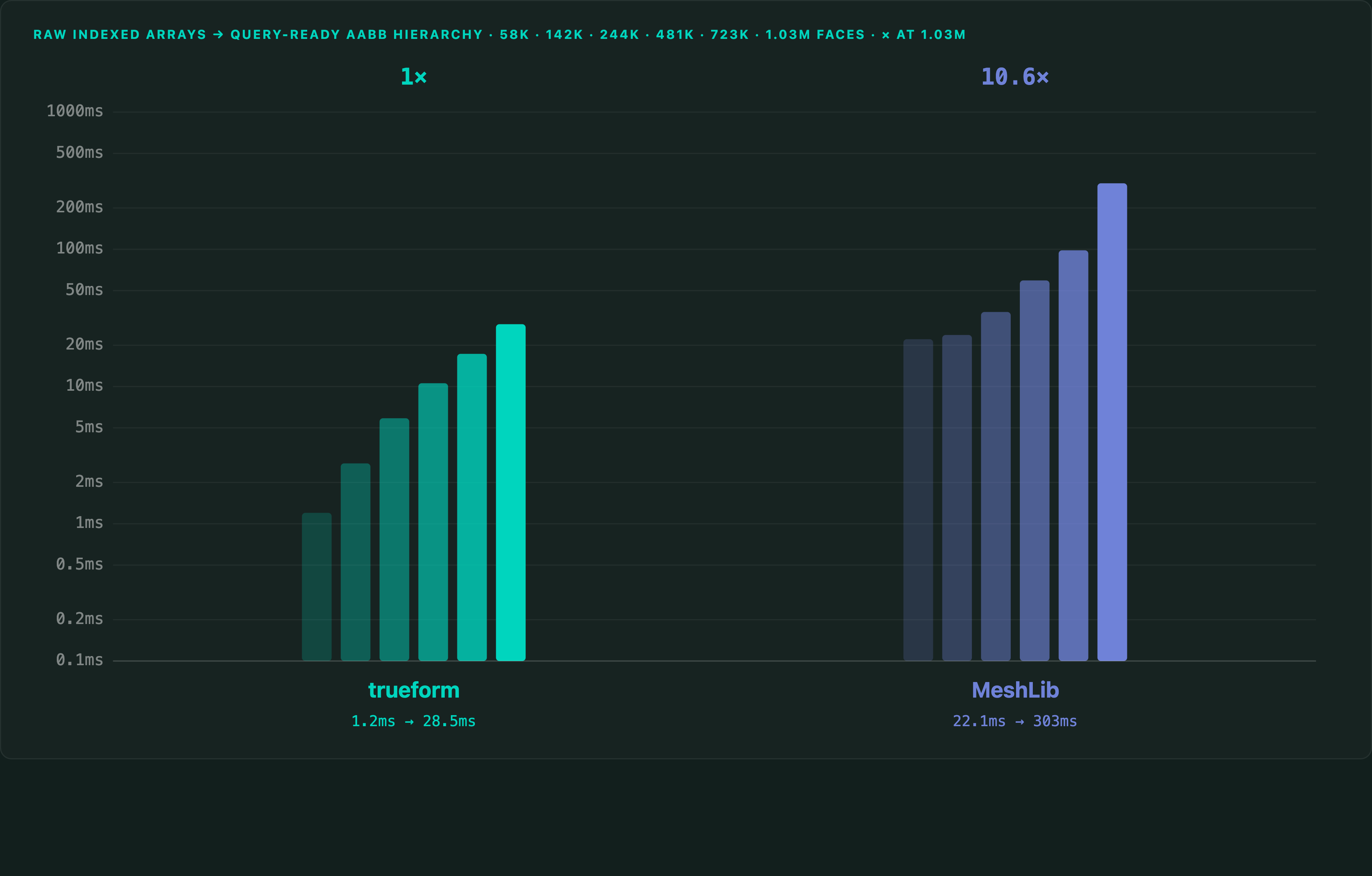
On a 1,025,766-polygon mesh, the closest point between two meshes takes under 1 ms in trueform, against 370 ms in FCL. The spatial tree on the same mesh builds in 28.5 ms from Python, against 302.7 ms in MeshLib. The tree is built once. Moving a mesh by its transformation does not rebuild it.
Full benchmarks · Documentation
@article{polydera:fast-mesh-collision-detection-in-python,
  title={Fast and Robust Mesh Collision Detection in Python},
  author={Sajovic, {\v{Z}}iga, Polydera},
  year={2026},
  url={https://polydera.com/tutorials/fast-mesh-collision-detection-in-python},
  organization={Polydera}
}