Fast and Exact Mesh Intersection Curves in Python
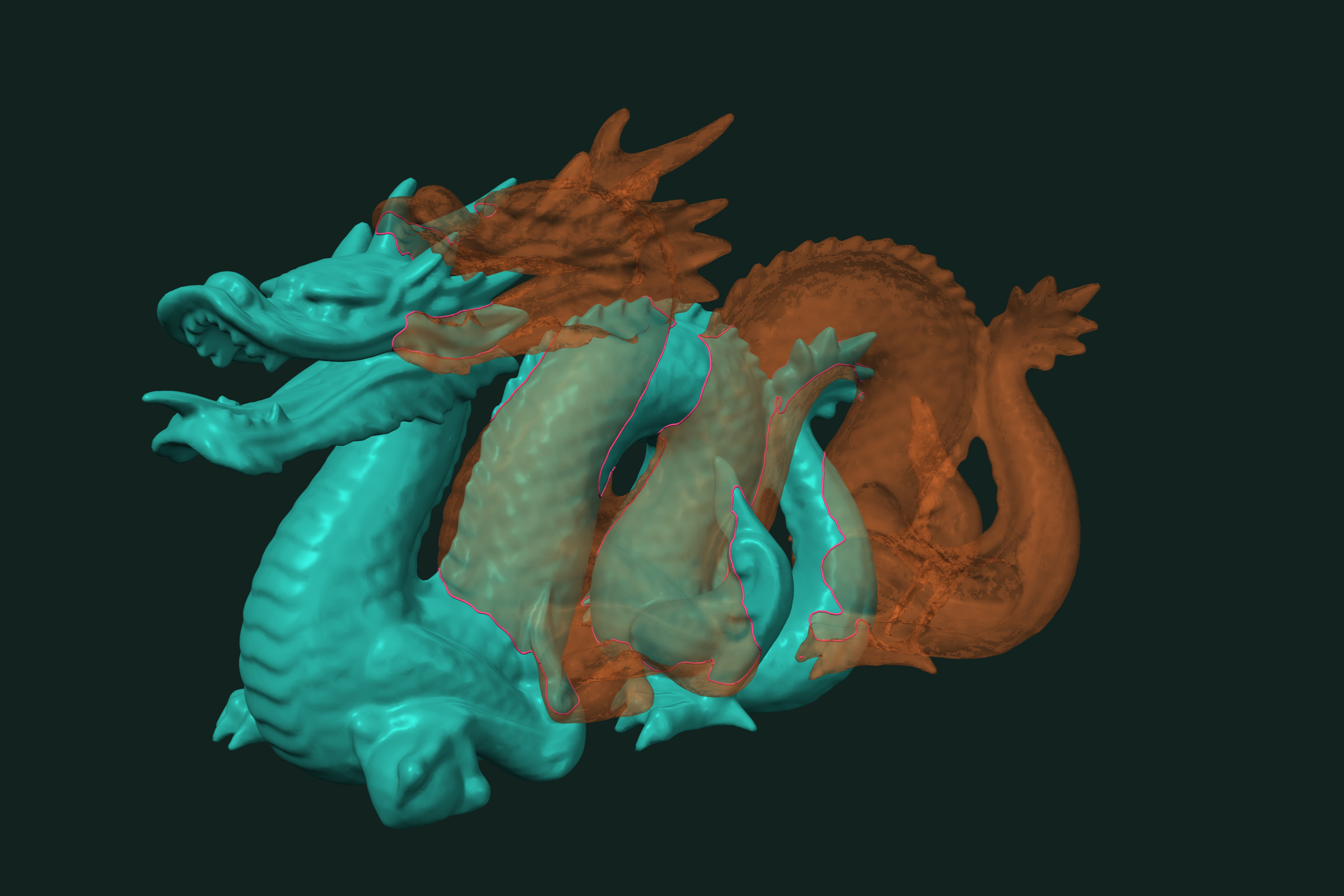
Compute the exact curves where two or more triangle meshes intersect in Python. Polylines out, with transformations and N-mesh input. 3.5 ms on 2×500K polygons. One pip install, NumPy in and out.
An intersection curve is the line where two surfaces cross. You need it to inspect a fit, to trim a part, to mark a seam, or to check a boolean before you run it. trueform computes these curves exactly, between two meshes or between many, and returns them as polylines. One pip install. NumPy arrays in, NumPy arrays out. This tutorial covers two meshes, moved meshes, N meshes, and how to use the curves.
Install
pip install trueform
See the installation guide for all options.
Loading the meshes
import trueform as tf
import numpy as np

mesh0 = tf.Mesh(*tf.read_stl("part.stl"))
mesh1 = tf.Mesh(*tf.read_obj("tool.obj"))
To follow along without files, build a sphere and a box:
sphere = tf.Mesh(*tf.make_sphere_mesh(1.0, stacks=40, segments=40))
box = tf.Mesh(*tf.make_box_mesh(1.5, 1.5, 1.5))
The box is smaller than the sphere, but its corners poke out. Each of its six faces cuts the sphere in a circle.
Curves between two meshes
tf.intersection_curves takes two meshes and returns (paths, points):
paths, curve_points = tf.intersection_curves(sphere, box)

len(paths)          # 6
curve_points.shape  # (562, 3)
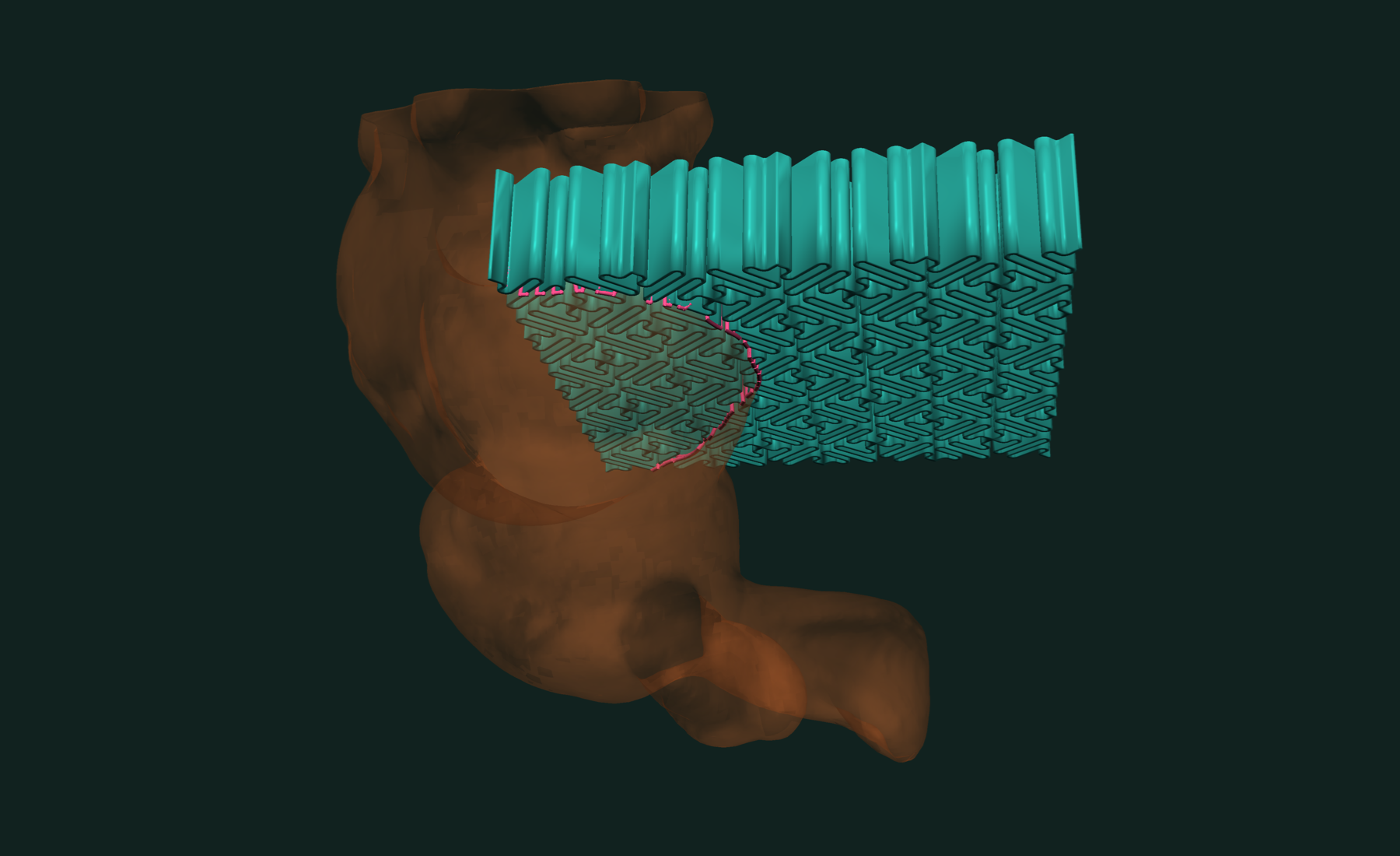
Six closed curves, one per box face. If the meshes do not touch, paths is empty and curve_points has shape (0, 3).
The computation is exact. Shared edges, shared vertices and coplanar faces are classified, not guessed. Open meshes, non-manifold edges and self-intersecting inputs are accepted.
Curves between moved meshes
Most real cases have one part in a different pose. Set a 4×4 transformation on the mesh. The points are not copied or rewritten.
moved = tf.Mesh(*tf.make_sphere_mesh(1.0, stacks=40, segments=40))

T = np.eye(4, dtype=np.float32)
T[:3, 3] = [1.0, 0.0, 0.0]
moved.transformation = T

paths, curve_points = tf.intersection_curves(sphere, moved)
# one closed circle in the plane x = 0.5
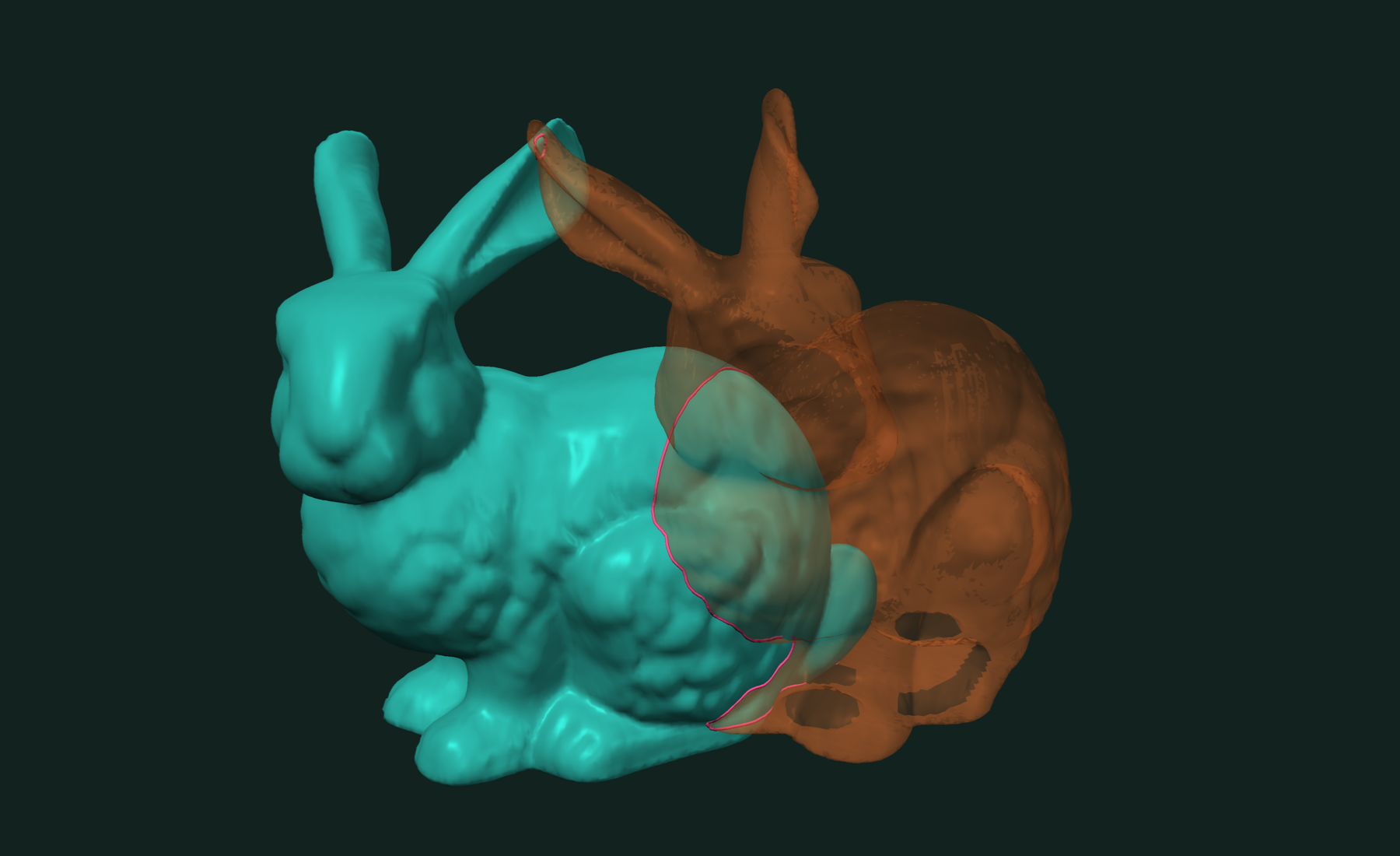
To intersect a mesh with a moved copy of itself, use a shared view. It shares the points, faces and spatial tree. Only the transformation differs:
view = sphere.shared_view()
view.transformation = T

paths, curve_points = tf.intersection_curves(sphere, view)
The tree is built once. Moving the view does not rebuild it.
Curves between N meshes
Pass a list to get all pairwise curves in one call:
m0 = tf.Mesh(*tf.make_sphere_mesh(1.0, stacks=40, segments=40))
m1 = tf.Mesh(*tf.make_sphere_mesh(1.0, stacks=40, segments=40))
m2 = tf.Mesh(*tf.make_sphere_mesh(1.0, stacks=40, segments=40))

T1 = np.eye(4, dtype=np.float32); T1[:3, 3] = [1.0, 0.0, 0.0]
T2 = np.eye(4, dtype=np.float32); T2[:3, 3] = [0.5, 0.8, 0.0]
m1.transformation = T1
m2.transformation = T2

paths, curve_points = tf.intersection_curves([m0, m1, m2])

len(paths)  # 6
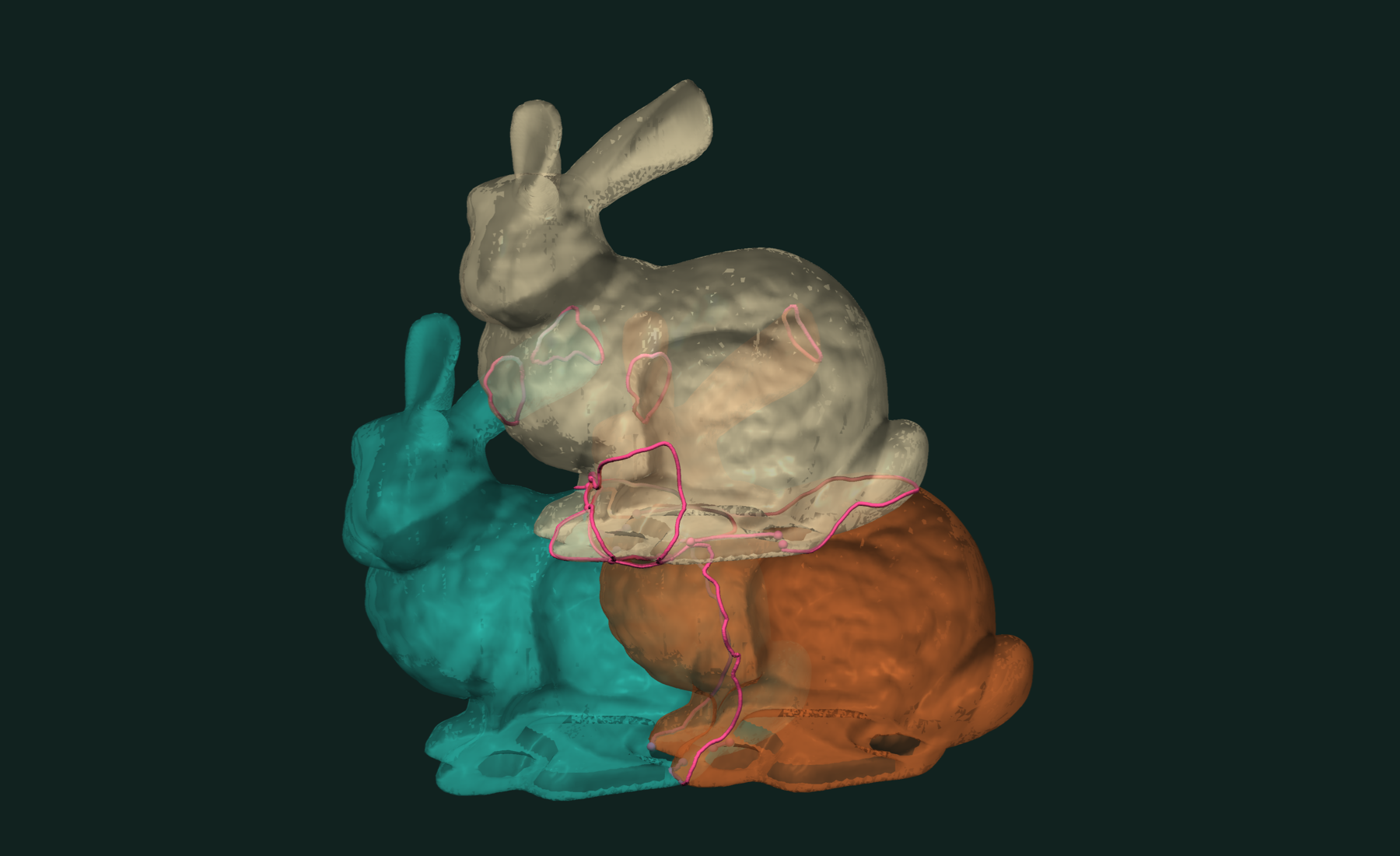
Three spheres make three pairwise circles. The circles cross each other on the surfaces. trueform splits the curves at every crossing point, so here you get six open arcs instead of three circles.
Working with results
paths is an OffsetBlockedArray. Each block is one curve, as indices into curve_points. A closed curve repeats its first index at the end.
for path_ids in paths:
    curve = curve_points[path_ids]          # (k, 3) polyline
    closed = path_ids[0] == path_ids[-1]
    length = np.linalg.norm(np.diff(curve, axis=0), axis=1).sum()
To query the curves as geometry, turn them into an EdgeMesh:
edges = np.concatenate(
    [np.stack([p[:-1], p[1:]], axis=1) for p in paths]
).astype(np.int32)

curves = tf.EdgeMesh(edges, curve_points)
tf.distance(curves, m0)  # 0.0, the curves lie on the surface
If you also want the boolean, ask for the curves on the same call:
(faces, points), labels, face_labels, (paths, curve_points) = \
    tf.boolean_union(sphere, moved, return_curves=True)
To split faces along the curves instead, see tf.mesh_arrangements. For the curves where one mesh meets itself, see detecting mesh self-intersections.
Related tutorials
- Fast Mesh Booleans in Python — exact union, intersection and difference of two meshes.
- Fast and Robust Mesh Collision Detection in Python — do two meshes touch, how far apart, and where.
- Fast and Robust Mesh Slicing and Cross-Sections in Python — plane sections, layers and slabs of a mesh.
- Fast and Robust Isocontours on a Triangle Mesh in Python — curves and bands of equal value on a scalar field.
Performance
Apple M4 Max 16 threads
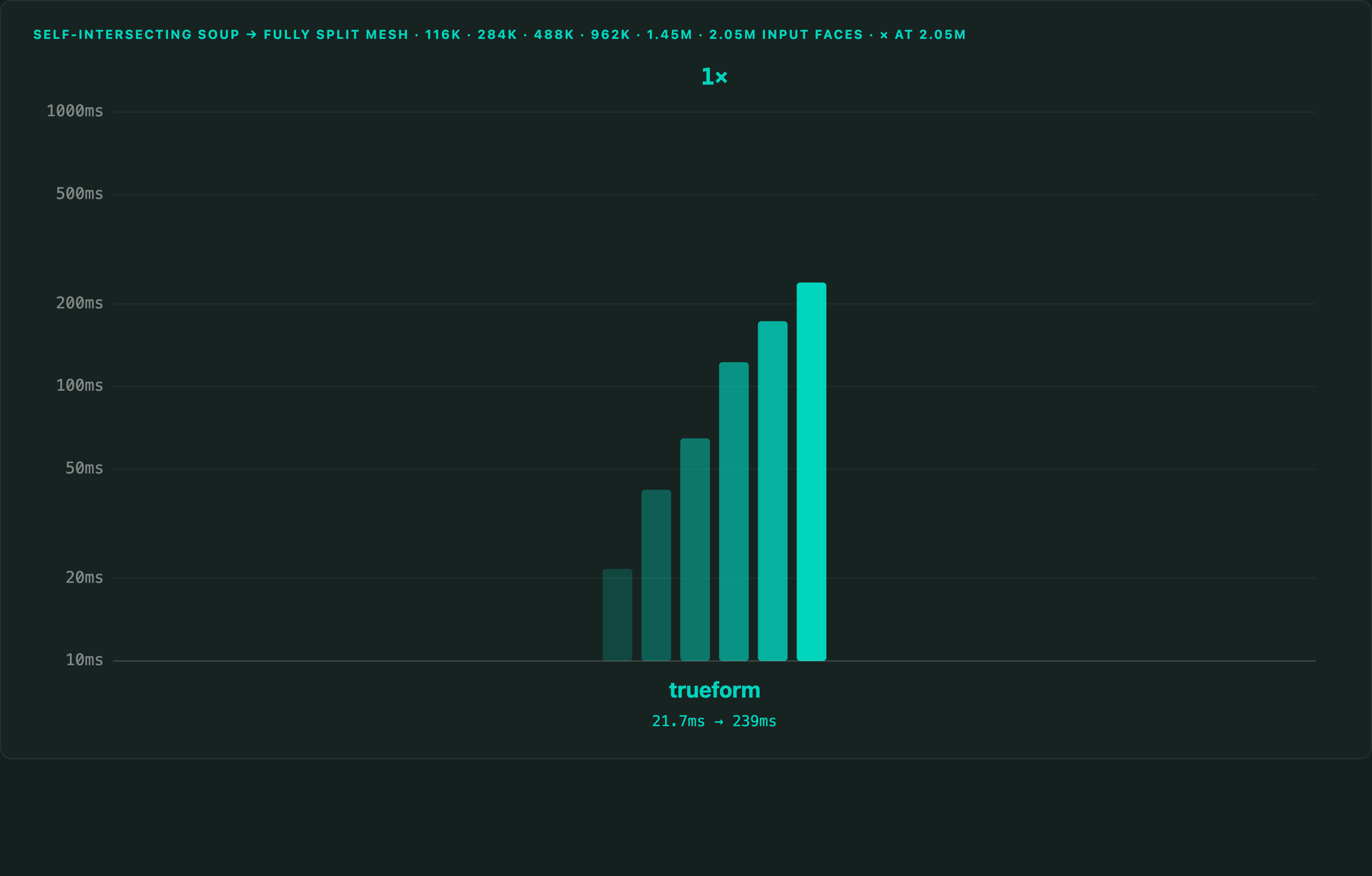
The curve and boolean timings are on two 500K-polygon meshes. The tree build is measured from Python against MeshLib on a 1,025,766-polygon mesh: 28.5 ms against 302.7 ms, 10.6× faster. Build it ahead of time with mesh.build_tree(). Changing a transformation does not rebuild it.
Full benchmarks · Documentation · How the algorithm works
@article{polydera:mesh-intersection-curves-in-python,
  title={Fast and Exact Mesh Intersection Curves in Python},
  author={Sajovic, {\v{Z}}iga, Polydera},
  year={2026},
  url={https://polydera.com/tutorials/mesh-intersection-curves-in-python},
  organization={Polydera}
}